
Ads Running on Google and Meta but No Installs Tracked? Setup by Channel
Contents
Have you ever turned on ads in Google and Meta, only to see zero installs and conversions in your measurement tool? When ads keep spending but nothing is measured, every performance report built on that data goes wrong.
App ad setup is about how you connect each ad network to your measurement tool, and that setup decides whether you can trust your data. This is part 2 of our app marketing series, applying the attribution basics from part 1 to real channel setup.
App vs. web campaigns: it depends on where people land

If people who tap the ad end up in your app, it's an app campaign. If they end up on your website, it's a web campaign. How you set up each channel depends on this.
| Type | Where people land | Example |
|---|---|---|
| App campaign | The app (a specific screen via deep link) | Ad tap → product screen in the app |
| Web campaign | A website | Ad tap → product page on the web |
If you want to send people to both, default to an app campaign: open the app with a deep link first, and send people without the app to the web or the app store.
Deep links vs. tracking links
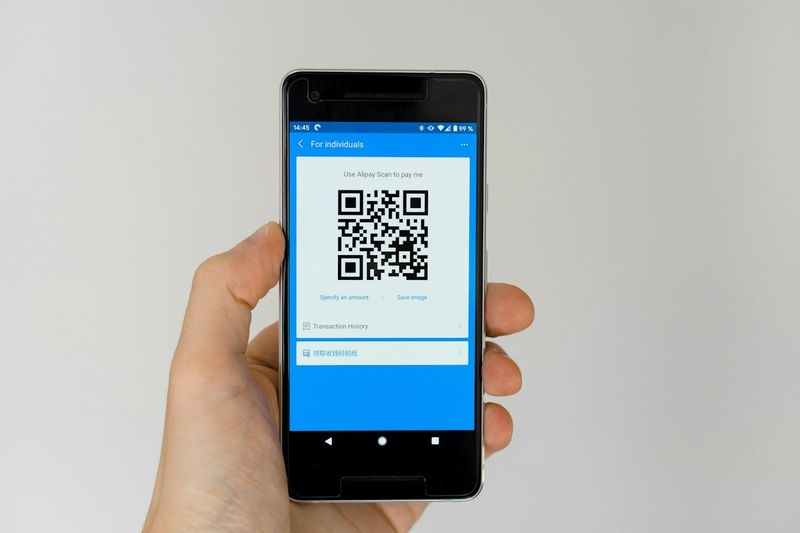
A deep link opens a specific screen in your app. A tracking link records the click and then sends the person to the destination. In practice, a tracking link carries both the deep link and a fallback.
- Deep link: if the app is installed, tapping it opens a specific screen, such as a product page. It uses an app-only address (a scheme) like
scheme://product/123. - Fallback: where to send people who don't have the app, usually the app store or a web page.
- Tracking link: a link from your measurement tool that records the click, then routes the person to the right one of the two paths above.
Setup by channel at a glance
For self-attributing networks like Google and Meta, app campaigns use a channel integration. For networks measured by tracking links, both app and web campaigns use tracking links.
| Channel | App campaign | Web campaign |
|---|---|---|
| Google Ads | Channel integration with your measurement tool | Account-level final URL suffix or tracking template |
| Meta | Channel integration with your measurement tool | Tracking link in the ad's website URL |
| Link-based networks | Tracking link | Tracking link |
- Google Ads app campaigns: turn on the Google Ads integration in your measurement tool and results arrive via API, so no tracking link is needed. Put your app scheme address in the ad's URL field.
- Google Ads web campaigns: if people land on your own site with the measurement tool installed, put the value from your tool in the account-level final URL suffix. If they land on an external page without it, use the tracking template. Putting a tracking link directly in the final URL can get the ad disapproved, so keep the real page address there.
- Meta app campaigns: turn on the channel integration and register your app. Put the app scheme address in the ad's deep link field.
- Meta web campaigns: unlike Google, put the tracking link itself in the ad's website URL field.
Menu names in Google and Meta can change, so check each platform's help pages and your measurement tool's guide when you set things up.
Turn on cost data and postbacks too
Once channels are connected, also turn on cost integration and event postbacks so you can compare results properly and let networks optimize.
- Cost integration: brings impressions, clicks, and spend from each network into your measurement tool. Without it, campaign names may not show and you can't calculate cost per install.
- Postbacks: send the install, sign-up, and purchase events your tool collects back to the network, which uses them to optimize ads without you adding each network's SDK to the app.
Three checks after setup
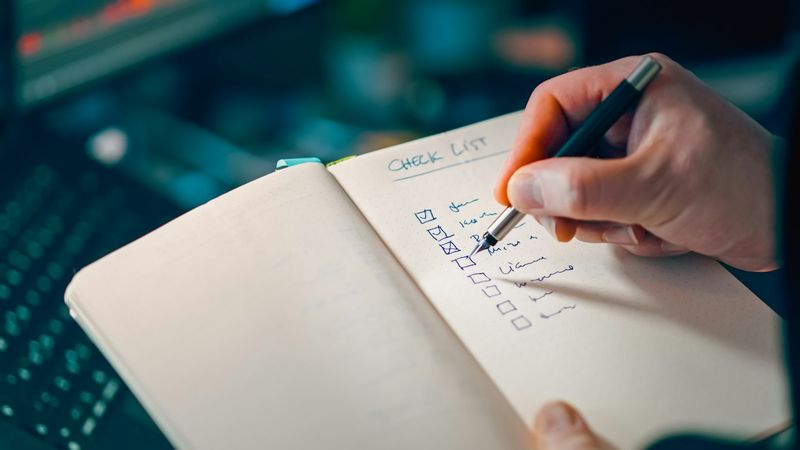
Within a day or two of setup, check these three things in your reports. A month of bad data is hard to fix after the fact.
- Is the channel showing up? Check that the network appears in the report's channel filter.
- Are numbers coming in? Make sure clicks, installs, and conversions aren't zero and arrive when expected.
- Does cost match? Confirm spend and results are tied to the same campaigns.
If nothing shows up, check the channel integration, then the channel name in your tracking link, then your postback conditions, in that order.
Make setup decisions easy to find later
Setup is decided across several meetings with developers, agencies, and network reps, and decisions like "where did we agree to put the Meta web link?" are easy to forget.
Transcribe those meetings and calls with daglo, and later you can ask Board Chat that exact question and get the answer from what was said, then check it against the transcript.
Even meetings with many people stay easy to follow. daglo's Speaker ID remembers the voices of the people in your meeting and fills in their real names instead of "Speaker 1" from the next recording on. daglo is the first in Korea to offer this to every user. 👉 Learn more about Speaker ID
#DeepLink #TrackingLink #AppMarketing #AppCampaign #GoogleAds #MetaAds #Attribution #daglo
Where talk becomes work.
Get started with 1,000 credits a month — no credit card required.