
Claude Code Skills: How to Build One and When to Use Hooks
Do you still re-explain your report format, review steps, and common mistakes to Claude Code every time, while your CLAUDE.md quietly grows to hundreds of lines and the rules that matter get lost? The longer the instructions, the more tokens every task burns reading them, and the rules you truly care about get buried.
A Claude Code skill is a workflow file (SKILL.md) that Claude Code loads only when it is needed. Claude keeps just the name and description in view and reads the full file when a request matches, so you can add many workflows while your base instructions stay light. This guide compares CLAUDE.md, skills, hooks, and subagents, walks through turning one recurring task into a skill, and shows how daglo transcripts can ground the steps you write.
What is a Claude Code skill?
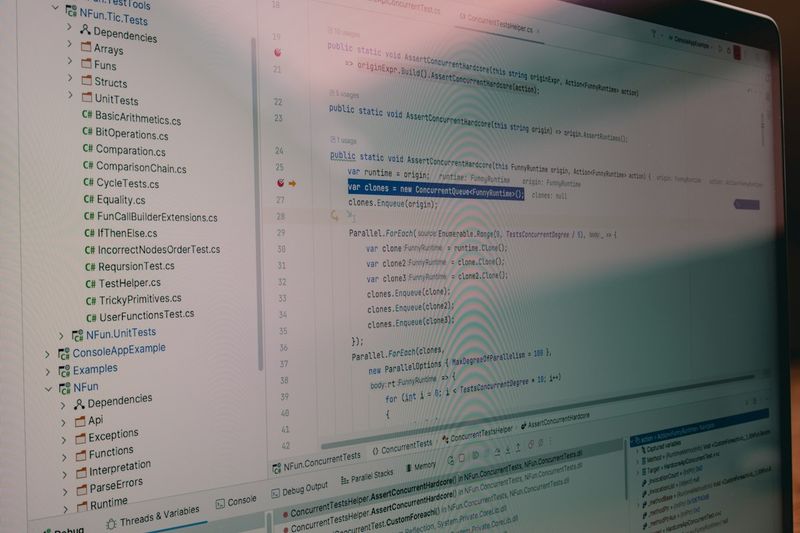
A Claude Code skill is a folder holding a SKILL.md file and any reference material. Claude loads it automatically when a request matches its description, or you can call it yourself by typing /skill-name.
- Personal skills: Stored in ~/.claude/skills/name/SKILL.md and available in every project on your machine.
- Project skills: Stored in .claude/skills/name/SKILL.md in a repository and shared with your team when you commit them.
- Progressive loading: Names and descriptions are always listed, and the body is read only when the skill runs. Keep the body under 500 lines and move long material into separate files in the same folder.
CLAUDE.md, skills, hooks, or subagents: which one when?

The four differ in when they are read. Put always-needed rules in CLAUDE.md, occasional workflows in skills, rules that must never be skipped in hooks, and long side tasks that would clutter the conversation in subagents.
| Option | When it is read | Best for | Example |
|---|---|---|---|
| CLAUDE.md | At the start of every session | Short rules for every task | Project summary, build commands, reply language |
| Skill | When a request matches, or via /name | Steps and material for one job | Weekly report, blog publishing workflow |
| Hook | Automatically on set events | Rules you do not leave to AI judgment | Run a formatter after edits, block risky commands |
| Subagent | When work is delegated, in its own context | Long research or reviews where you only need the result | Code review, searching many files |
Hooks are commands registered in settings.json that always run at set points, such as before or after a tool runs (PreToolUse, PostToolUse) or when a response ends (Stop). Subagents are defined in the .claude/agents folder, work in their own context, and return only the result. Writing "always" in a skill does not guarantee Claude will follow it, so move checks that must happen into hooks.
Hands-on: turn one recurring task into a skill
The best candidates are tasks you repeat every week in a fixed order. Here we build a skill that turns a meeting transcript into a team-ready summary, in four steps.
- Create the folder: Add .claude/skills/meeting-summary to your repository with a SKILL.md and a template.md that holds the summary layout.
- Write SKILL.md: Put the name and description at the top and numbered steps below. Start the description with what the skill does and which requests it serves so automatic loading works.
- Check that it triggers: Run
/skillsto see it listed, then try a matching request such as "summarize yesterday's meeting" to confirm it loads on its own. Also test/meeting-summarydirectly. - Fix the file, not the chat: If the result misses, edit the steps or template in SKILL.md and rerun the same request.
---name: meeting-summarydescription: Turns a meeting transcript into a team-ready summary. Use for "summarize the meeting" or "clean up meeting notes" requests.---1. Split the transcript into decisions, action items, and open questions.2. Follow the layout in template.md.3. Never add anything not in the transcript; mark gaps as [needs check].
For skills that do hard-to-undo work such as deploying or publishing, add disable-model-invocation: true to the front matter so they run only when a person calls them. Loading the body only on demand also saves tokens.
Ground your skill's steps in daglo transcripts
Steps based on what your team actually decided hold up longer than steps written from memory. Record the meeting where a process was agreed, or an interview with the person who owns it, and transcribe it with daglo to keep a speaker-separated record behind every step.
- Collect the evidence: Upload recordings of process meetings and owner interviews to daglo and keep the transcripts on one board.
- Extract the steps: Ask Board Chat, "List, in order, the steps and decision rules we follow every time we do this task." Review the answer and move it into SKILL.md.
- Revisit when fixing: When the skill drifts, reopen the transcript, compare it with what was actually agreed, and update the steps.
Get everyone's consent before recording, and remove sensitive details such as customer information before anything goes into a skill file.
In short, keep only always-needed rules in CLAUDE.md, move workflows into skills, enforce must-run checks with hooks, and hand long investigations to subagents. Claude Code then works lighter and more consistently. Front matter fields and commands can change, so check the official docs before you build.
#ClaudeCode #ClaudeCodeSkills #SKILLmd #CLAUDEmd #AIAgents #AIWorkflow #Automation #daglo
Where talk becomes work.
Get started with 1,000 credits a month — no credit card required.