
Will a reporter read it? How to write a press release, with AI
Staring at a blank page because you have to write your first press release, and wondering whether a reporter will even read past the headline? Without a clear format, it's easy to open with a long company introduction and push the actual news down to the third paragraph.
A press release is an official document that packages a company's news so a reporter can easily turn it into a story. Reporters receive dozens a day and usually decide from the headline and the first paragraph. This guide covers the standard press release structure, the inverted pyramid, how to write a strong lead, how to get an AI-drafted first version, and a fact-check list to run before you send it.
How do reporters read a press release?
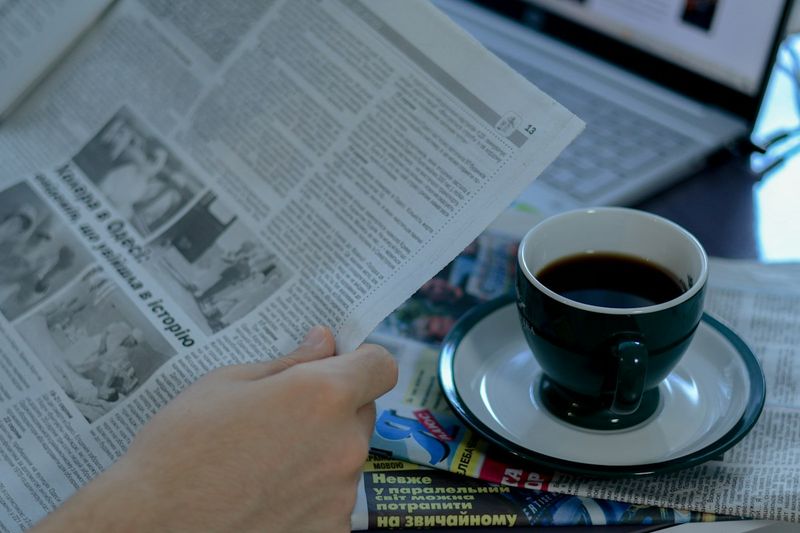
Reporters rarely read a press release top to bottom. They scan the headline and lead to see whether there's real news for their readers. If the key point isn't up front, good details further down often go unused.
- Newness: Is there a first-ever product, a first case, or a notable change?
- Specifics: Are dates, numbers, and audiences clearly stated?
- Evidence: Do the numbers and claims have sources that are easy to check?
- Readability: Is it written as plain facts rather than marketing copy?
The 6 parts of a press release and the inverted pyramid

A press release runs in this order: headline, lead, body, quotes, company boilerplate, and media contact. Following the inverted pyramid, with the most important information first, means the key facts survive wherever a reporter cuts the text.
| Part | Purpose | How to write it |
|---|---|---|
| Headline and subhead | Show the news value in one line | Include who and the key fact; keep it short |
| Lead | Summarize the whole story | Who, when, what, and why in 2 to 3 sentences |
| Body | Background and details | Numbers, dates, and audiences in order of importance |
| Quotes | The company's perspective | One or two from the CEO or project lead |
| Boilerplate | Basic facts for reference | 3 to 4 short sentences |
| Media contact | Connect follow-up questions | Name, email, and phone number |
One or two pages is plenty. Cut the adjectives and stick to facts, and reporters will find it much easier to work with.
Write the lead with the 5 Ws in 2 to 3 sentences
The lead is the first paragraph, and it should tell the whole story on its own. Cover who, when, what, how, and why in two or three sentences.
| Version | Example |
|---|---|
| Weak lead | Acme, a company dedicated to delivering the best customer experience through innovative technology, has launched a new service. |
| Strong lead | Acme will launch Acme Stock, an inventory app for small manufacturers, on December 1. Teams that tracked stock in spreadsheets can now check it in real time from their phones. |
A strong lead puts the date, the audience, and what changes ahead of any company praise.
Let AI draft it, starting from a transcribed interview
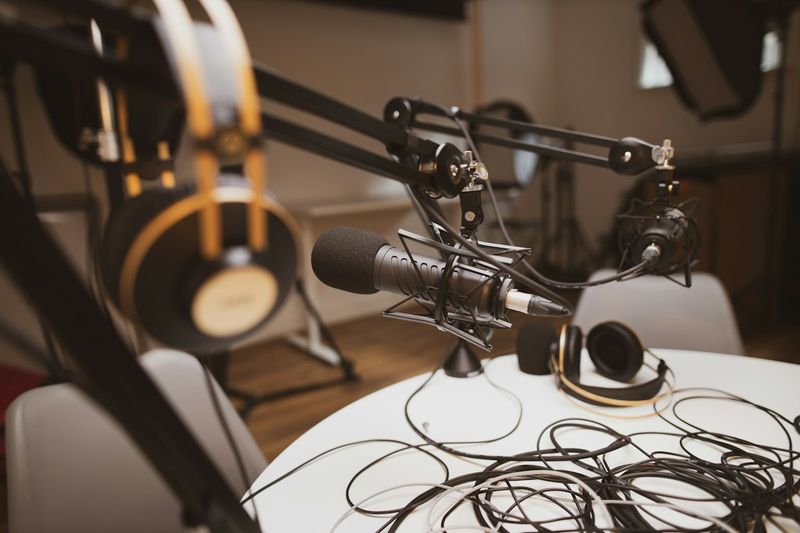
When AI drafts your press release, the source material matters most. Record the CEO interview or internal briefing and transcribe it with daglo, and you can pull quotes and key messages from what people actually said.
- Record the CEO interview or launch briefing and transcribe it in daglo.
- Open Board Chat on the finished board and ask: "Pull five sentences from this interview that would work as press release quotes, word for word."
- Follow up with: "List the three key messages of this announcement, with the numbers."
- Paste the results into daglo's all-in-one AI chat and ask for a draft.
Example prompt: "Write a press release draft from the key messages and quotes below. Use the inverted pyramid, keep the lead to three sentences covering the 5 Ws, and drop promotional adjectives. Don't invent numbers that aren't in the material; mark them as [needs check]."
If several people spoke in the interview, you need to know exactly who said what. With Speaker ID, daglo remembers the voices of the people in your recordings and fills in their real names instead of "Speaker 1" from the next recording on. The CEO's words won't get mixed up with another executive's when you choose quotes. daglo is the first service in Korea to offer this to every user. 👉 Learn more about Speaker ID
If you write press releases often, save that request in daglo's My Templates. daglo remembers the prompt and automatically summarizes each briefing recording in that format, so your draft material is ready the moment the recording ends.
Fact-check list before you send
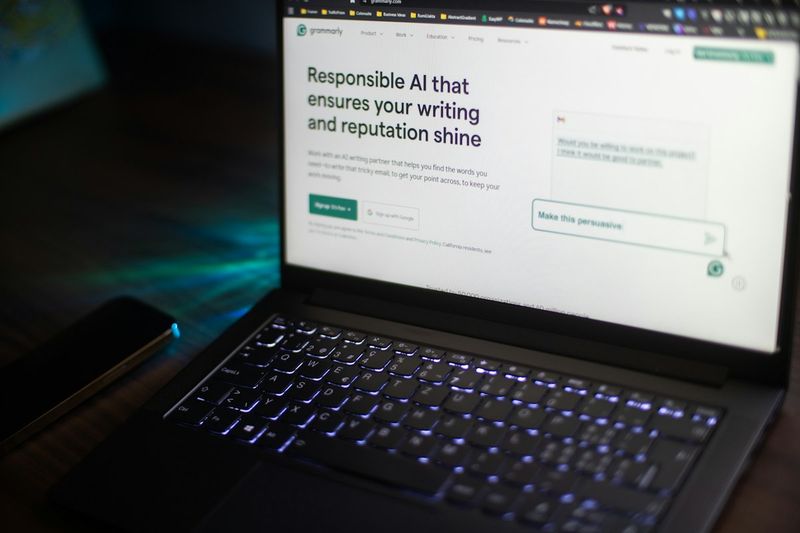
An AI draft can read smoothly and still get facts wrong. Before you send it, check each item below against the original material.
- Numbers and dates: Do the launch date, prices, and user counts match internal records?
- Quotes: Do they appear in the transcript, and has the speaker approved them for release?
- Names: Are company names, product names, and people's titles spelled correctly?
- [needs check] marks: Have you filled in every gap the AI flagged?
- Embargo and contact: Did you include the release time and a media contact?
To verify a quote, ask Board Chat, "Show me where this sentence appears in the transcript," and compare it with the original right away.
#PressRelease #PressReleaseTips #PR #StartupMarketing #MediaRelations #BoardChat #AIChat #daglo
Where talk becomes work.
Get started with 1,000 credits a month — no credit card required.