
ChatGPT vs Claude vs Gemini: Which AI to Use for Which Task

Still bouncing between three browser tabs, drafting reports in ChatGPT, summarizing long PDFs in Claude, and researching in Gemini? Without a clear sense of which AI fits which job, you end up rewriting the same prompt over and over and paying for overlapping subscriptions.
ChatGPT, Claude, and Gemini are all general-purpose AI assistants that can write, analyze documents, code, and search the web. Each company, however, is pushing hardest in a different direction, so how good they feel depends on the task. This guide compares the three by task, based on official announcements as of October 2026, then covers a simple cross-checking habit and how to use several AIs in one place with daglo.
ChatGPT vs Claude vs Gemini at a glance
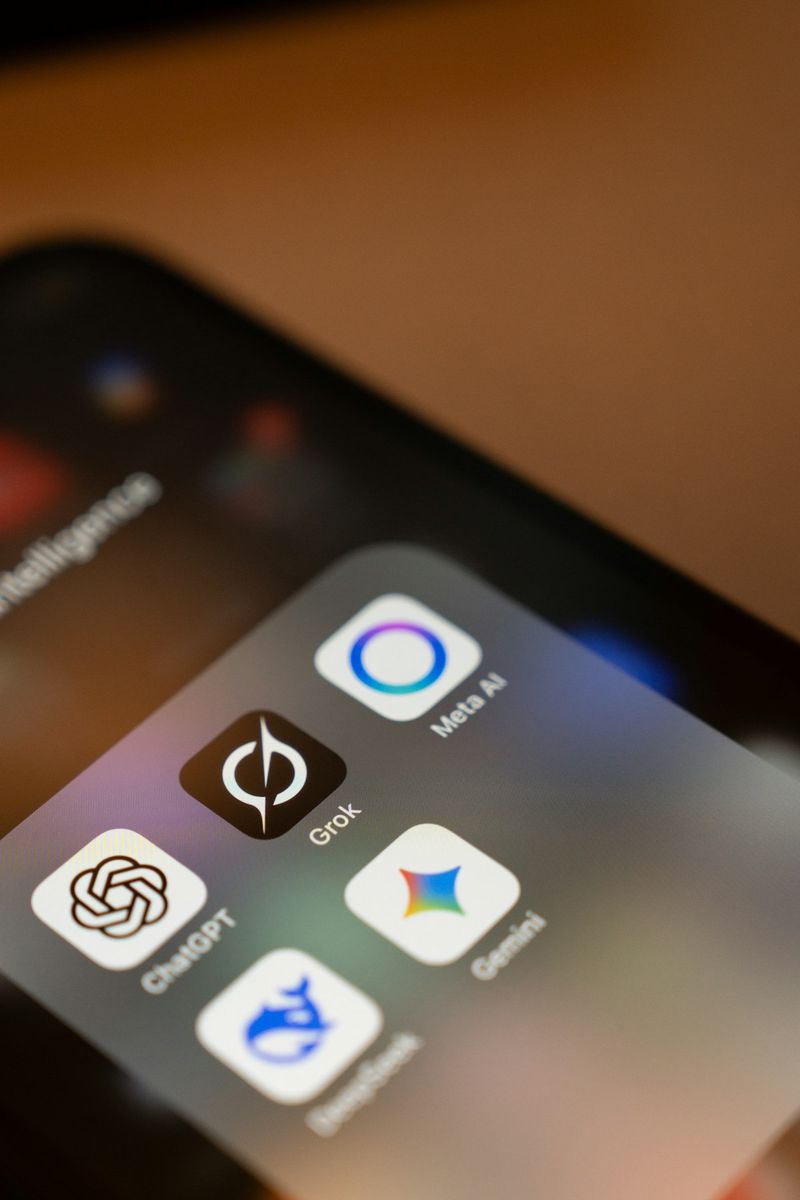
The biggest differences come less from benchmark scores and more from what each assistant connects to. ChatGPT stands out for image generation and interactive answers, Claude for long-form writing and coding, and Gemini for its ties to Google Search, Gmail, and Drive.
| ChatGPT | Claude | Gemini | |
|---|---|---|---|
| Made by | OpenAI | Anthropic | |
| Latest models (Oct 2026) | GPT-6 (rolling out from October) | Opus 5.5, Sonnet 5.5, Haiku 5.5 | Gemini 4 Argon (AI Pro and Ultra) |
| Best fit | Brainstorming, image generation, everyday questions | Long documents, polished writing, coding | Up-to-date research, Google Docs and Gmail work |
| Companion tools | Codex, Apps | Claude Code, Connectors | Gmail and Drive, Antigravity |
Model names and plan limits change often. The models above reflect each company's announcements in October 2026, so double-check the official pages before you pay for a plan.
Which AI is best for writing and long documents?

For reports and proposals where tone matters, or for summarizing a 50-page document, Claude is a good first pick. ChatGPT is quick when you need short copy or many idea variations, and Gemini is the easiest choice when the files already live in Google Drive.
- Drafting: State the goal, audience, and length first, then send the same request to two models. Differences in voice become obvious right away.
- Long-document summaries: Ask for "a three-line conclusion, then supporting points, then any numbers I should verify." This leaves less room for the model to invent details.
- Google Workspace tasks: Gemini can connect to Gmail and Drive to find and summarize your emails and files directly.
Coding, research, and image work compared

For coding, both Claude (Claude Code) and ChatGPT (Codex) offer dedicated tools, and Gemini now ships Antigravity in its app. Gemini's search roots make it strong for current research, while ChatGPT and Gemini both generate images right inside the app.
| Task | Try first | Why |
|---|---|---|
| Writing and fixing code | Claude, ChatGPT | Dedicated tools that read and edit your repository from the terminal |
| Current research | Gemini, ChatGPT | Search results shown with source links |
| Image generation | ChatGPT, Gemini | GPT Image and Nano Banana built into the app |
| Tables and data cleanup | All three | Uploading a file and turning it into a table works similarly |
Benchmark rankings shift with release timing and test methods. Rather than picking from a leaderboard, choose the three tasks you do most often and test them yourself.
The cross-checking habit: ask more than one AI

Cross-checking means asking two or three AIs the same question, trusting only what they agree on, and verifying the rest against the source. It is the easiest way to catch an answer that sounds right but is wrong (a hallucination).
- Use the identical prompt: Copy the exact wording so every model gets the same conditions.
- Mark the overlap: Highlight facts and numbers that appear in all answers.
- Verify the disagreements: If numbers, dates, or quotes differ, check the official documentation or original source.
- Merge the best parts: Take the structure from one answer and the examples from another to build your final draft.
Use several AIs in one place with daglo AI Chat
daglo AI Chat lets you switch between ChatGPT, Gemini, Claude, and more in one app with one subscription. Instead of signing up for each service and juggling windows, you can change the model on the same screen and cross-check answers in seconds.
- Switch and re-ask: Send the same question to a different model and compare the results side by side.
- Connect to your meeting and lecture notes: Recordings transcribed with daglo can be explored further in Board Chat, which answers follow-up questions using that transcript as context.
- Consolidate subscriptions: If you are paying for several AI plans, see whether one subscription covers what you need.
#ChatGPT #Claude #Gemini #AIComparison #AITools #Productivity #AIChat #daglo
Where talk becomes work.
Get started with 1,000 credits a month — no credit card required.