
"Did the Training Land?" Check With an AI Quiz Generator
Have you ever wrapped up an onboarding session or internal training, wondered "Did that actually land?", and moved on because there was no time to write a quiz? When nobody checks understanding, the same questions show up in your DMs weeks later and you end up explaining everything again.
AI Quiz is a daglo feature that turns transcribed sessions or training materials (PDFs) into multiple-choice and short-answer questions automatically. This guide walks you through creating AI quizzes from training recordings and docs, then using Board Chat to put together a training summary and an FAQ to share.
From one training recording to a comprehension check
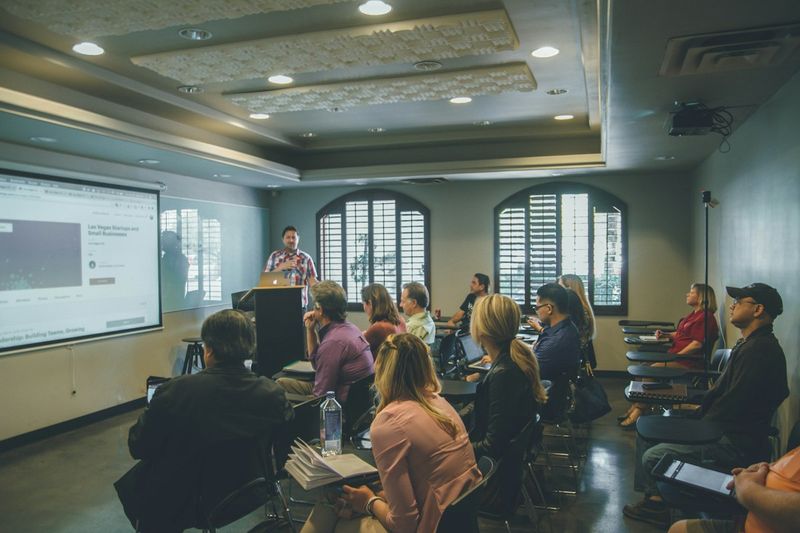
Record your training and you can transcribe, summarize, and create quiz questions in one place. Prep time drops, and since the questions come from what was actually said, they stay accurate.
| Step | Doing it by hand | With daglo |
|---|---|---|
| Recap the session | Go back through slides and notes | The recording is transcribed and summarized for you |
| Quiz questions | Write each question yourself | AI Quiz creates multiple-choice and short-answer questions |
| Common questions | Answer them one by one as they come in | Draft likely questions and answers with Board Chat |
How to create an AI quiz

Upload a training recording or a PDF of your training materials to daglo, and you can create an AI quiz from it. Multiple-choice works well for terms and procedures, and short-answer is great for judgment calls.
- Record the session with daglo, or upload an existing recording and your training PDF.
- Skim the transcript and summary to make sure everything you covered is there.
- Create an AI quiz: use multiple-choice for key terms and steps, and short-answer for questions like "What would you do in this situation?"
- Share the quiz with attendees, and revisit the questions most people missed in your next session.
When you say "Make sure you remember this" during training, jot it down in the recording memo right away. Memos feed into the summary, so the key points make it into the quiz too.
Use Board Chat for a training summary and FAQ

Board Chat answers follow-up questions based on your transcribed session. Use it to write a summary for people who missed the training and an FAQ for the questions new hires always ask.
- "Summarize this training so a new hire can read it in five minutes."
- "List five questions new hires are likely to ask after this training, with answers."
- "Make a table of the internal terms mentioned in this session and what they mean."
If you write training summaries in the same format every time, save that format in My Templates. daglo remembers it and summarizes every recording the same way automatically.
Keep trainer and question-askers named with Speaker ID

When your training notes show who explained what and who asked which question, summaries and FAQs are much easier to put together.
Speaker ID remembers the voices of the people in your meetings and fills in their real names instead of "Speaker 1" from the next recording on. For weekly sessions with the same trainer or team onboarding, explanations and questions are labeled by name. daglo is the first in Korea to offer this to every user. 👉 Learn more about Speaker ID
A 10-minute routine after every session
Spend ten minutes after each training on these steps, and you'll spend far less time answering the same questions next time.
- Check the summary and make sure your key points are in it.
- Create an AI quiz and share it with attendees.
- Use Board Chat to draft a summary and FAQ, then post them to your team docs.
#AIQuiz #EmployeeTraining #Onboarding #LearningAndDevelopment #HR #TrainingSummary #BoardChat #daglo
Where talk becomes work.
Get started with 1,000 credits a month — no credit card required.