Updates

Tips and release notes to help you get more out of daglo.
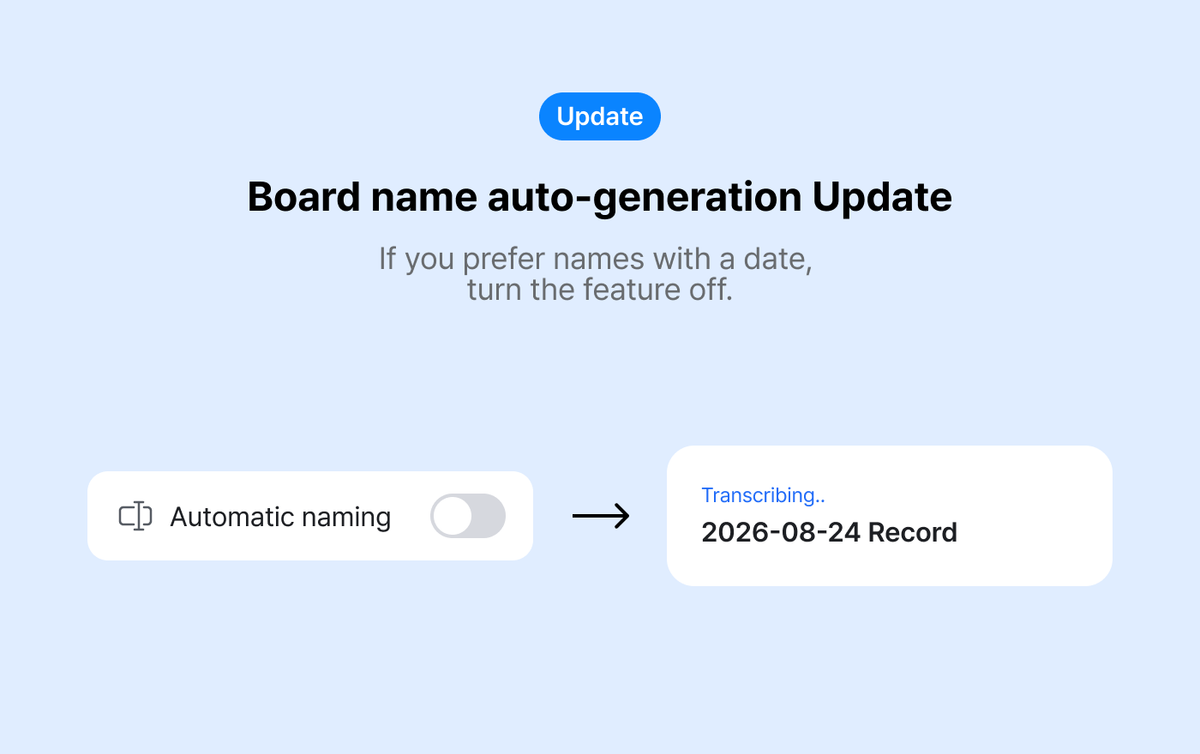
We heard that date-based names make recordings easier to find, so daglo now lets you keep board names in date format. Here's what changed and how to organize recordings by date.
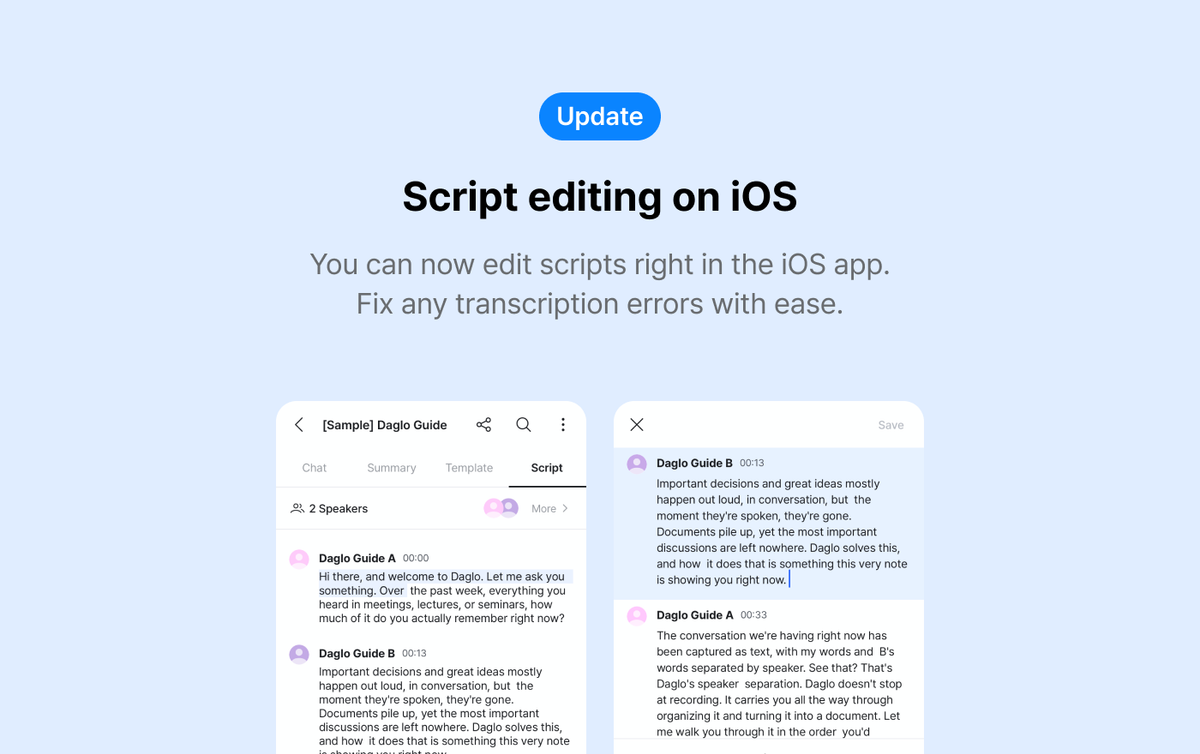
Got a wrong name, term, or number in your AI transcript? Fix it right in the daglo iPhone app, no laptop needed. Here's how to use transcript editing for meeting notes, interviews, and client calls.
For team leads and PMs tired of asking "Who was doing that again?" after every meeting: use daglo Speaker ID to put owners' names in your notes and keep action items clear.
If you replay every recording to rename Speaker 1 and Speaker 2, let daglo Speaker ID add attendee names to your meeting minutes automatically. Practical tips for whoever takes the notes.

When calls from your parents' doctor, pharmacy, or care home turn into different stories by the time they reach your siblings, record them with daglo and share exactly what was said.
Repair promises, deposit return dates, lease changes: if your landlord only ever says it on the phone, save those calls as text and keep a summary of what was promised.
Refund promises, contract terms, dates you agreed on with a client: if those calls only live in your memory, let daglo transcribe and save them, then show you just the key points.
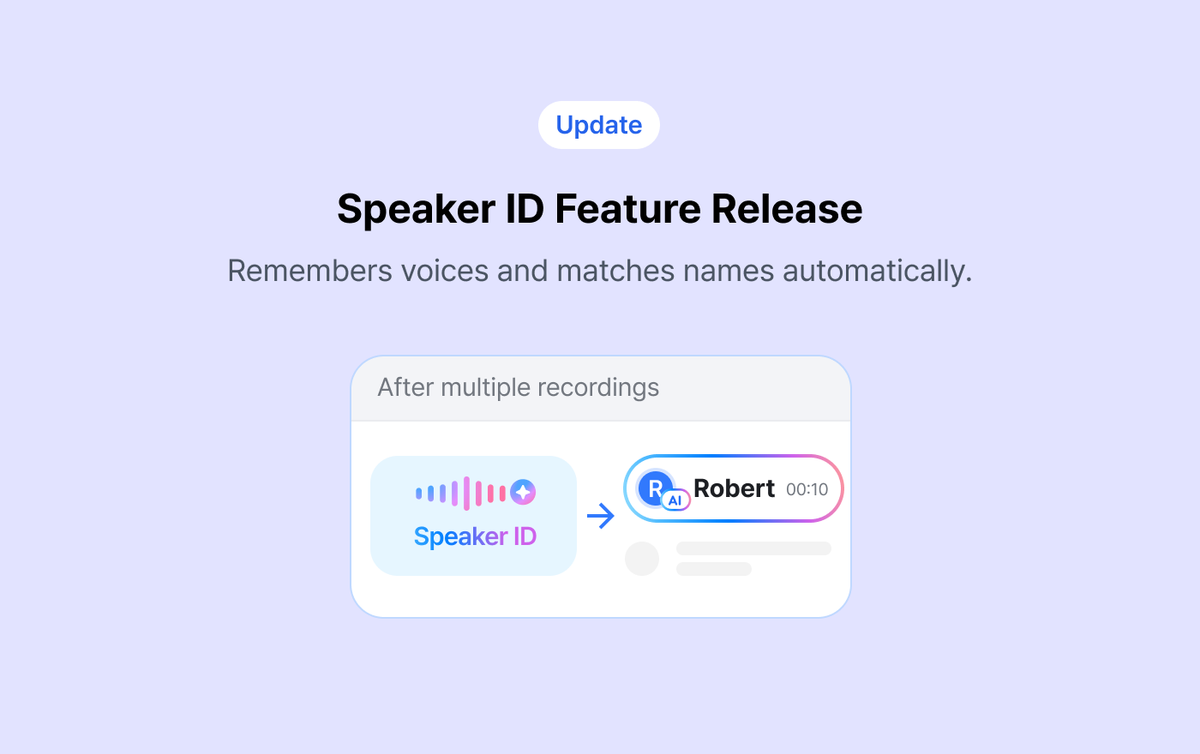
daglo now remembers the voices of people in your meetings and adds their real names to your next transcripts, instead of Speaker 1 and Speaker 2. Here's how Speaker ID works and what changes.
Five meeting notes AI prompt templates that turn a transcript into a PRD draft, an issue list, or a client email, plus the prep step that makes results better.