
'What Was My To-Do Again?' One Recording Memo Line Fixes It
Are you still running a recording app while flipping to a separate notes app every time someone says something important? Those notes end up living apart from the recording, so later you spend extra time figuring out which part of the audio each note belongs to.
Recording notes are your own thoughts and takeaways attached directly to a recording, either while it's running or after it's done. In daglo, you can add notes during a recording or on a finished transcript board, and those notes are reflected in your template summary. Below are tips for three situations: lectures, meetings, and interviews.
👉 Read more about the Memo update
Two ways to add recording notes
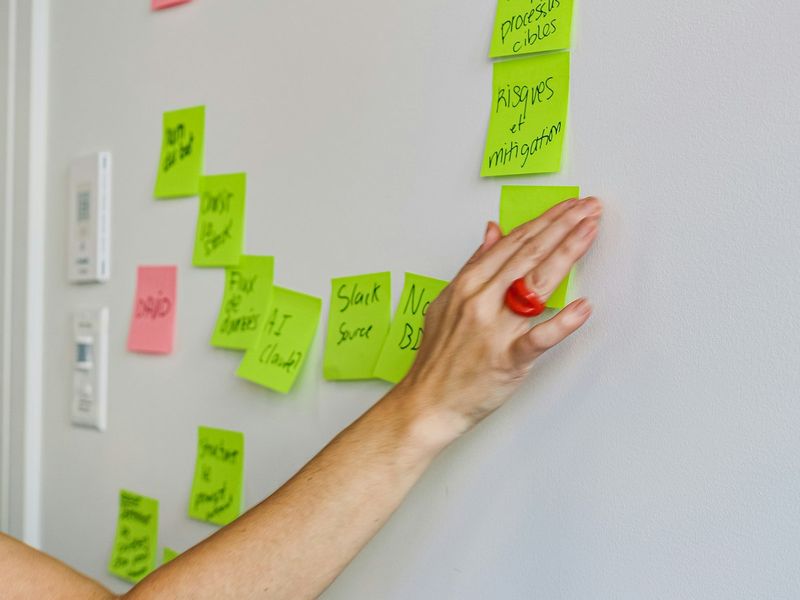
In daglo, you can take notes while you record, or open the Memo tab on a finished transcript board to write or add more later. Either way, the notes are saved on the same board as the recording.
- Take notes while recording: Start recording and type into the notes area as ideas come up. When you stop, the notes are saved to the board.
- Add notes after transcription: Open the Memo tab on a finished board and write new notes or add to existing ones.
| Comparison | Separate notes app | daglo recording notes |
|---|---|---|
| Linking notes to audio | Match by file name or time yourself | Saved on the same board |
| Misheard terms | Fix them after the summary | Summary corrects them using your notes |
| To-dos | Copy them over again | Included in templates that list to-dos |
Lectures: flag what the professor emphasized

When you record a lecture, don't try to write everything down. Just note what the professor stressed, like "this will be on the exam" or "assignment due Friday," and let daglo transcribe and summarize the rest.
- Write technical terms and names in your notes with the correct spelling. When daglo creates a template summary, it uses your notes to correct those terms.
- Add assignment and presentation dates as to-dos. A template that includes to-dos will list them in the summary.
- When you review, use the summary for the big picture and check the exact wording of anything you flagged in the transcript.
Before an exam, create an AI Quiz from that board and work through multiple-choice and short-answer questions to check that you really understood the key points.
Meetings: capture your to-dos and decisions

During a meeting, note only what you own and what needs checking before the next meeting. Afterward, the summary reflects those notes, so your meeting minutes and to-do list come together in one step.
- During the meeting: keep it short, like "Revise quote, me, by Thursday."
- After the meeting: open the Memo tab on the finished board and fill in anything you missed.
- Wrap-up: if you need the same format every time, save it as a My Template. Pick that template before you start transcribing, and daglo will remember it, summarize every recording in that format automatically, and include the to-dos from your notes.
You can also skip the work of labeling who said what. daglo's Speaker ID remembers the voices of the people in your meeting and fills in their real names instead of "Speaker 1" from the next recording on. daglo is the first in Korea to offer this to every user. 👉 Learn more about Speaker ID
Interviews: note your question flow and key moments
In interviews or customer calls, it's easy to lose focus on the conversation while you scramble to write things down. Let daglo capture the words, and use your notes for your question flow and the moments that stood out.
- Before or after: list your questions in the Memo tab so it's easy to compare which answer came from which question.
- During: jot down what the audio won't capture, like "lit up here" or "hesitated on pricing."
- After: ask Board Chat things like "Put the answers in a table by the questions in my notes" or "Pull five quotable lines word for word."
daglo also separates who's talking, so you can quote the interviewer and the guest without mixing them up.
3 tips for better recording notes
- Don't write everything: daglo handles the transcript, so keep notes for your judgments, to-dos, and tricky words.
- Spell terms correctly: product names, people's names, and jargon in your notes help the summary use the right spelling.
- Add more later: anything you missed can go in the Memo tab after transcription. Your notes stay even if you transcribe again.
When your recording and notes live in one place, the single line you jotted down while listening makes your summary more accurate later. Try daglo Memo in your next lecture or meeting.
#RecordingNotes #MeetingNotes #LectureNotes #MeetingMinutes #InterviewNotes #AISummary #Transcription #daglo
Where talk becomes work.
Get started with 1,000 credits a month — no credit card required.