
Memo feature added, recording screen updated
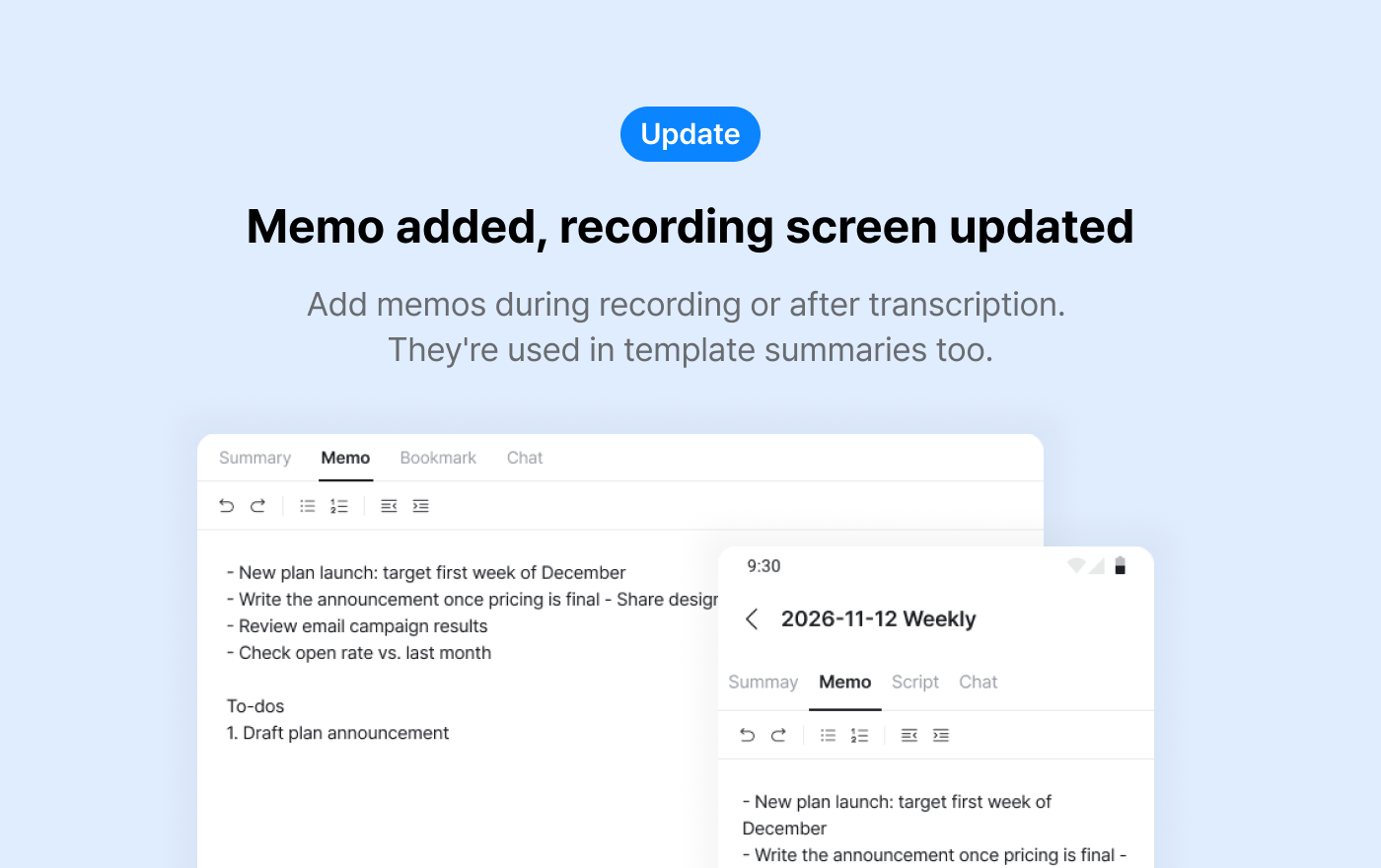
📝 Memo feature
You can now add memos while recording or after transcription is complete.
Your memos are also reflected in template summaries.
👉 How to use
Add memos while recording
- Start recording and write what you need in the memo area.
- When you stop recording, your memo is saved to the board too.
Add memos after transcription
- On a board where transcription is complete, select the **Memo** tab.
- Write a memo or add to an existing one.
Memos are reflected in template summaries
- Terms misspelled in the script are corrected based on your memo when summarizing.
- If you add to-dos to your memo, templates that include to-dos will list them too.
🎙️ Updated recording screen
- Transcription options have moved.
- daglo web: ⚙️ button on the recording controller
- daglo mobile app: ⚙️ button at the top right
- While recording, a red dot and "Recording" appear above the board name.
📌 Things to note
- You can only write and view memos on boards where transcription is complete. Memos can't be opened on boards that are still transcribing or where transcription failed.
- Memos can be up to 10,000 characters.
- Memos aren't visible on shared boards.
- Your memos are kept when you re-transcribe.
- Having a memo doesn't always change the template summary result.
Where talk becomes work.
Get started with 1,000 credits a month — no credit card required.