
Updates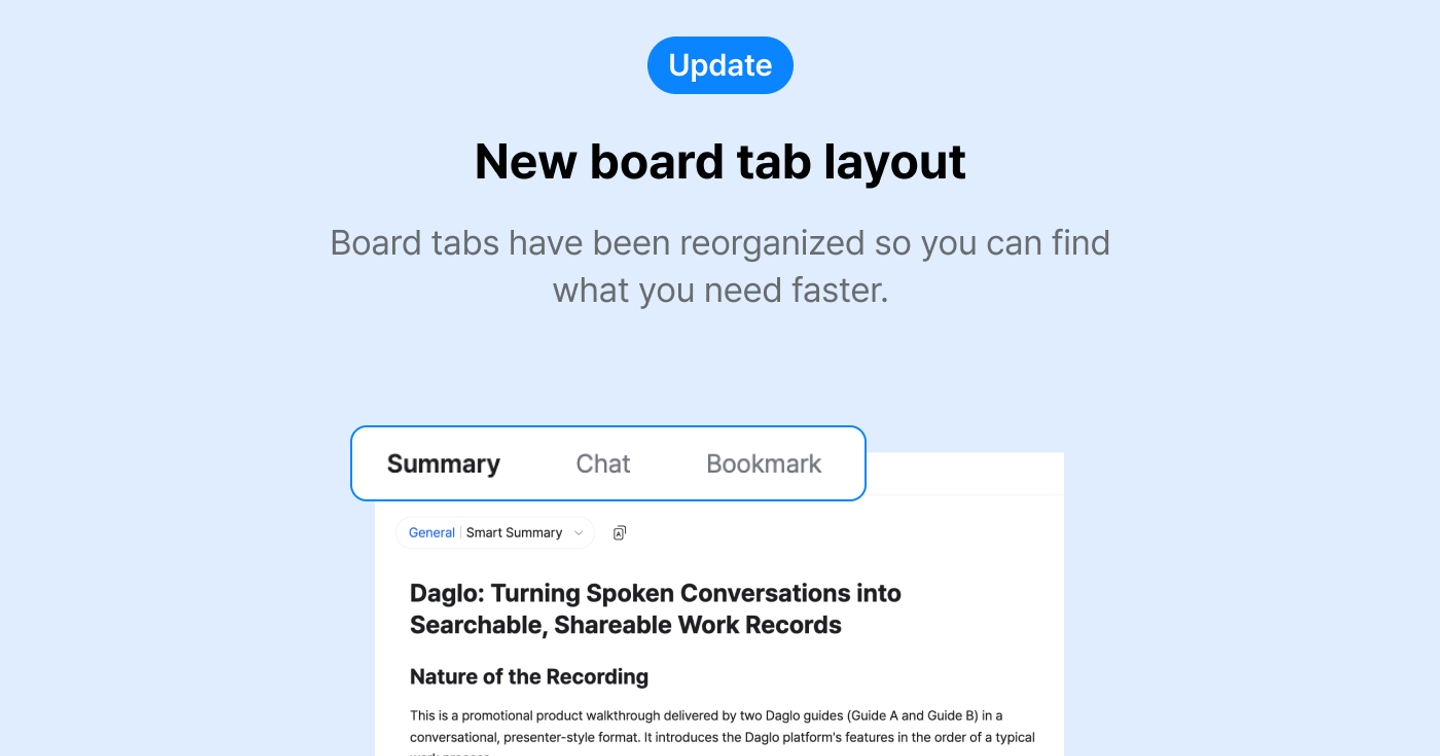
New board tab layout
📋 New board tab layout
- Board tabs have been reorganized so you can find what you need faster.
- Basic and template summaries are now together in the Summary tab.
👉 How to use
1. Open a board to see the Summary tab first.
2. Tap the chips at the top to switch between basic and template summaries.
3. To summarize with a different template, tap **Select template** and choose a template.
📌 Notes
- Tabs are now in the following order:
- App: Summary | Memo | Script | Board chat
- Web: Summary | Memo | Script | Bookmark | Board chat
Where talk becomes work.
Get started with 1,000 credits a month — no credit card required.