
Updates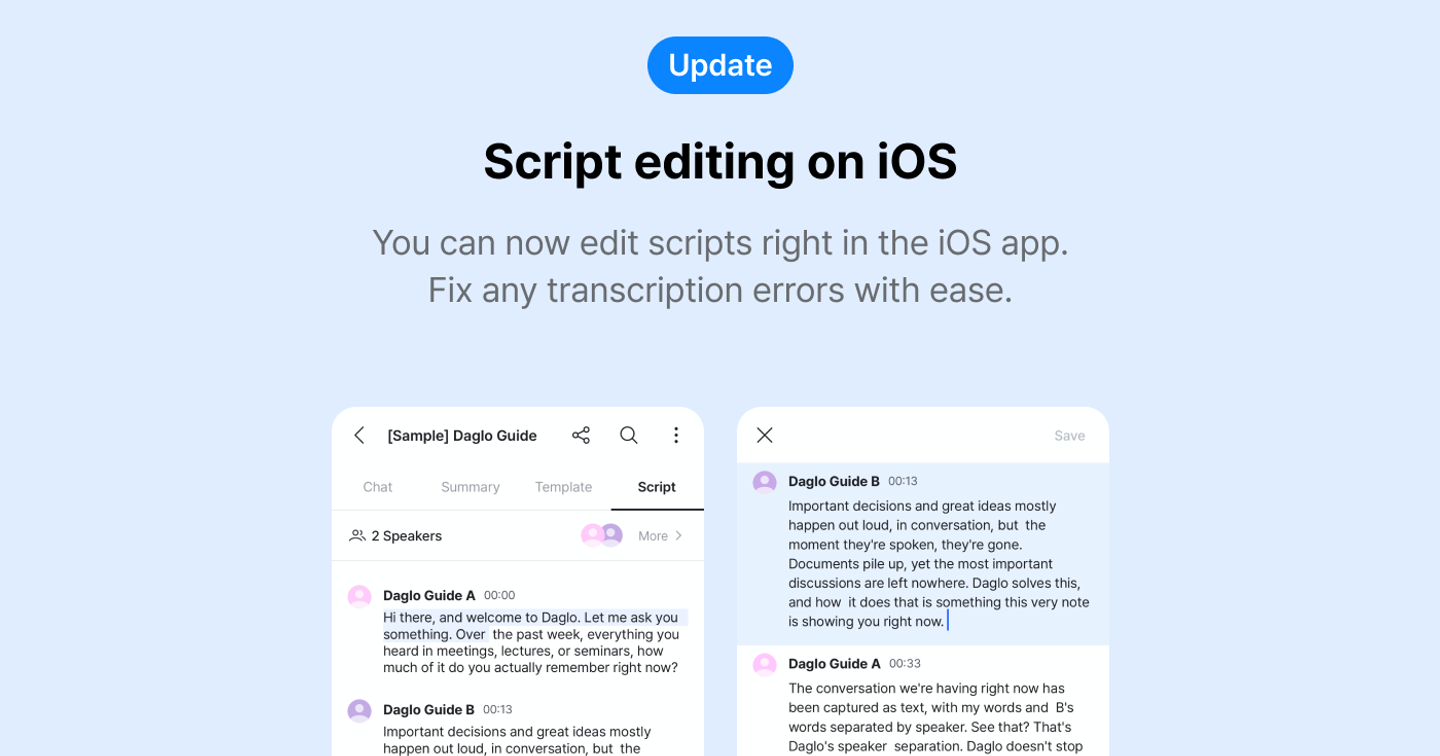
Script editing on iOS
✏️ Script editing on iOS
You can now edit scripts right in the iOS app. Fix any transcription errors with ease.
👉 How to use
- Long press the script paragraph you want to edit to open the menu.
- Select Edit to enter edit mode.
- Make your changes. You can keep editing other paragraphs too.
- Tap Save to save your changes.
📌 Notes
- Changes aren’t saved in real time. Be sure to tap Save.
- Only script text can be edited, not participants.
- Play/pause and 5-second skip are available only for recordings and file scripts (not YouTube).
- Formatting other than plain text isn’t supported.
- Creating new paragraphs and line breaks isn’t supported.
Where talk becomes work.
Get started with 1,000 credits a month — no credit card required.