
Updates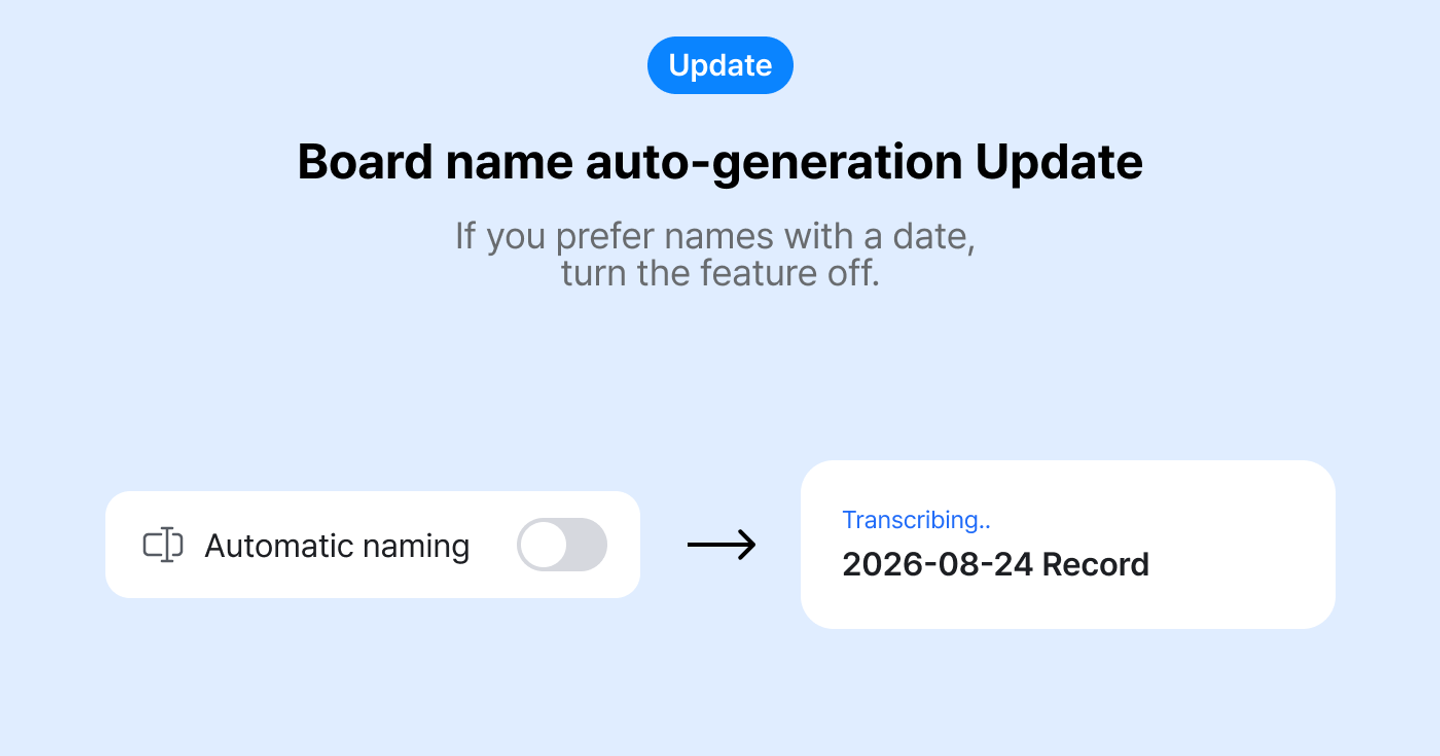
Board name auto-generation setting
✏️ Board name auto-generation setting
You can turn board name auto-generation on or off.
If you prefer names with a date, turn the feature off.
👉 How to use
- If you’re using the mobile app, update to the latest version.
- Turn it on or off in Settings > Features > Usage settings > AI title generation.
- When it’s off, board names stay in a format like
2026-10-01 Recording.
✨ Renaming is easier now
When you tap the board name while recording, the date is pre-filled. Keep typing after the date or replace it with a new name.
📌 Notes
- The default setting is On.
- If you rename a board during recording or transcription, your name is shown regardless of this setting.
Where talk becomes work.
Get started with 1,000 credits a month — no credit card required.