
Updates

Tips and release notes to help you get more out of daglo.
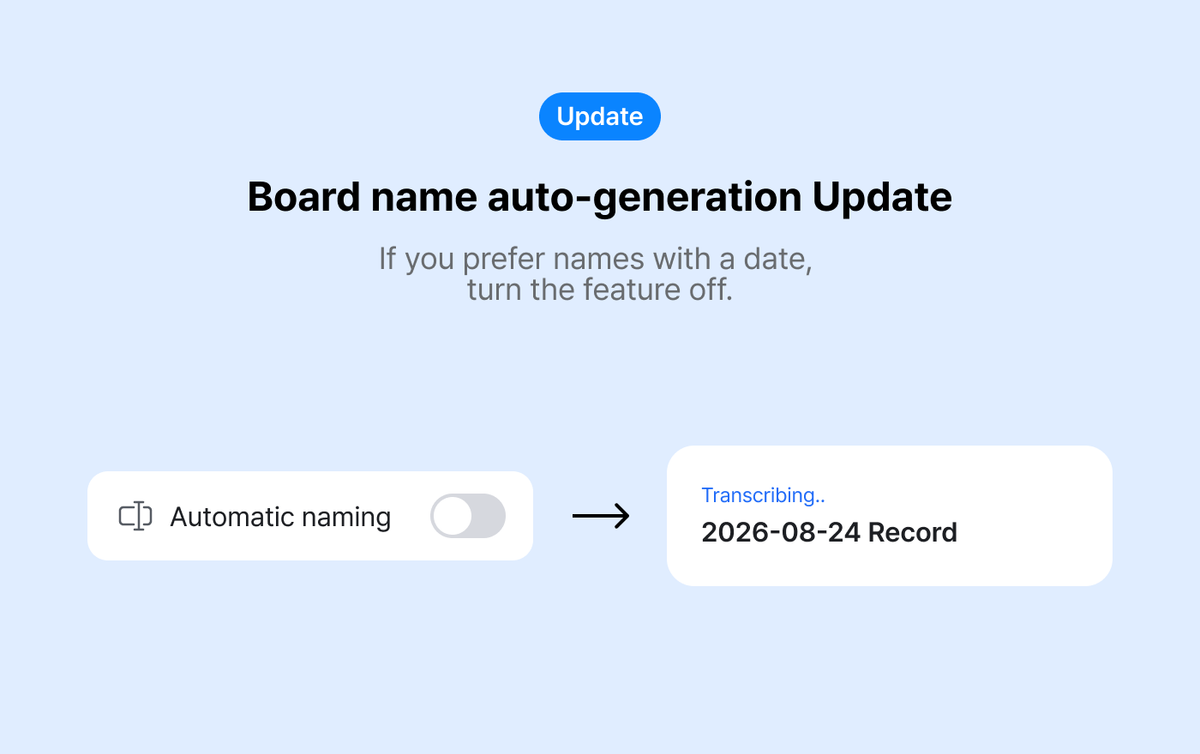
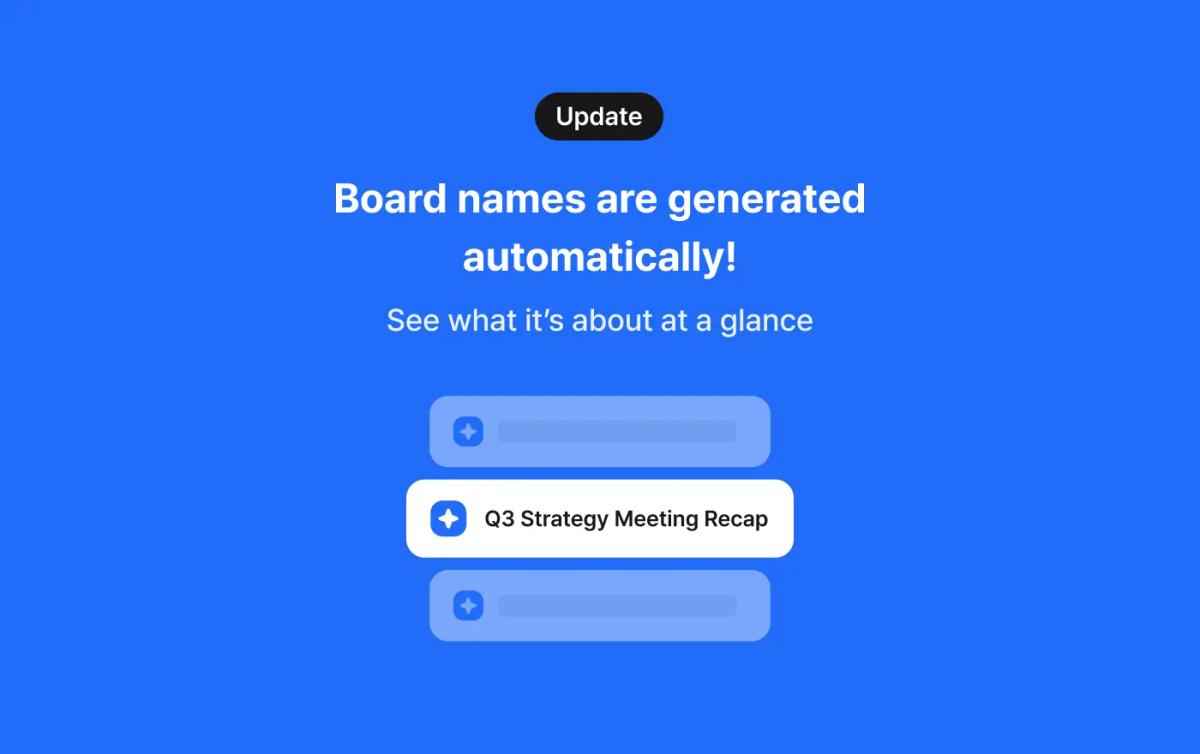
We heard that date-based names make recordings easier to find, so daglo now lets you keep board names in date format. Here's what changed and how to organize recordings by date.
Got a wrong name, term, or number in your AI transcript? Fix it right in the daglo iPhone app, no laptop needed. Here's how to use transcript editing for meeting notes, interviews, and client calls.
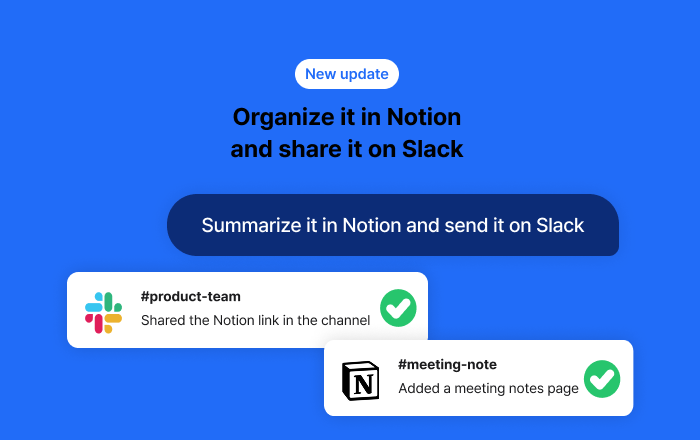
summarize the meeting in Notion and share it on Slack right after the meeting ends.
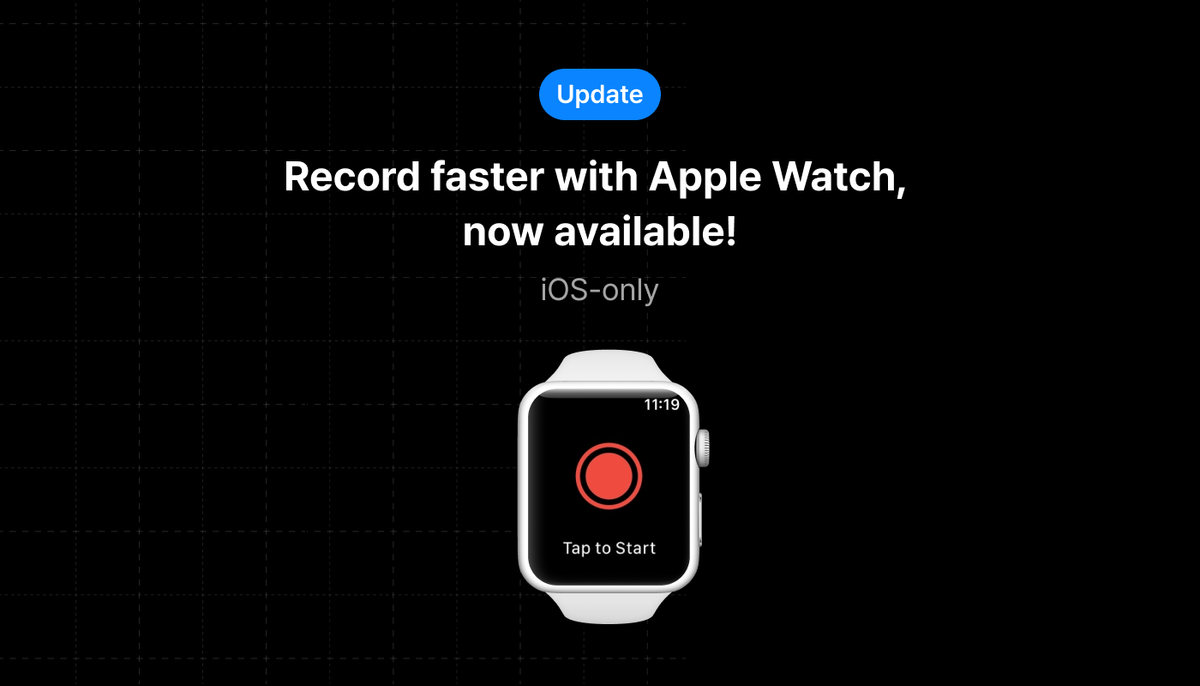
Capture meetings, lectures, and ideas right from your wrist. Start and stop recordings on your Apple Watch, and they sync to your phone automatically, ready for transcription the moment you're back.
Boost your team’s productivity with Team Spaces.
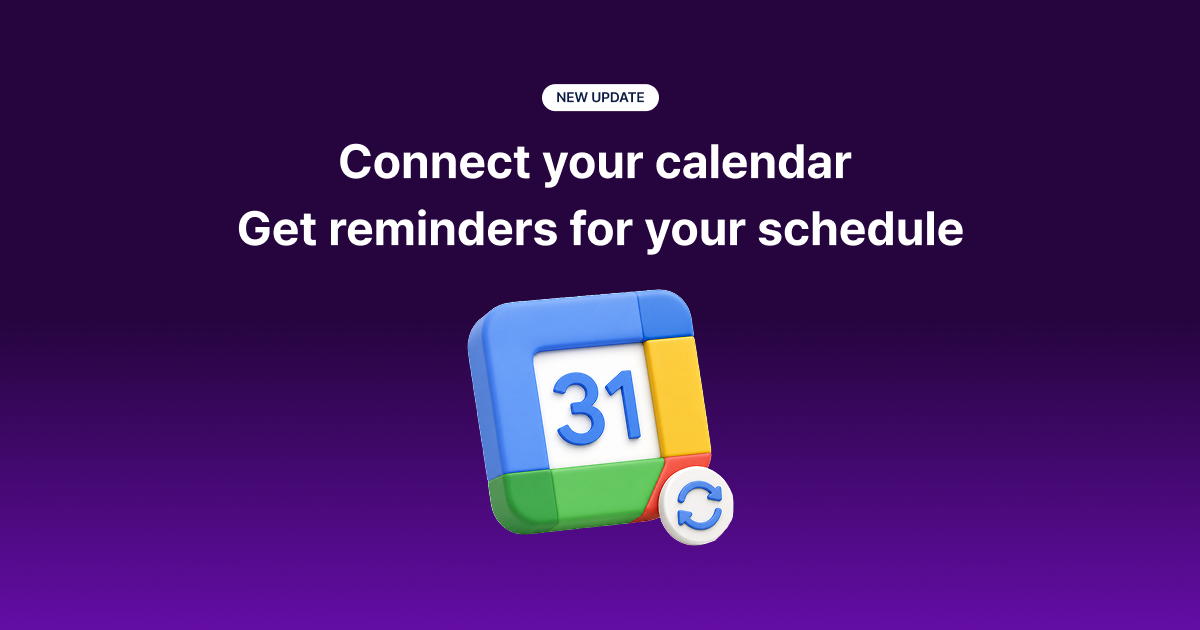
Connect Google Calendar to Daglo to get notified before your meetings start and begin recording right away.

Try an AI fortune reading based on your birth date. Includes real examples and ready-to-copy prompts for love, reconciliation, career, and financial outlook.