
Slack&Notion : handle your work all in one place. 📝
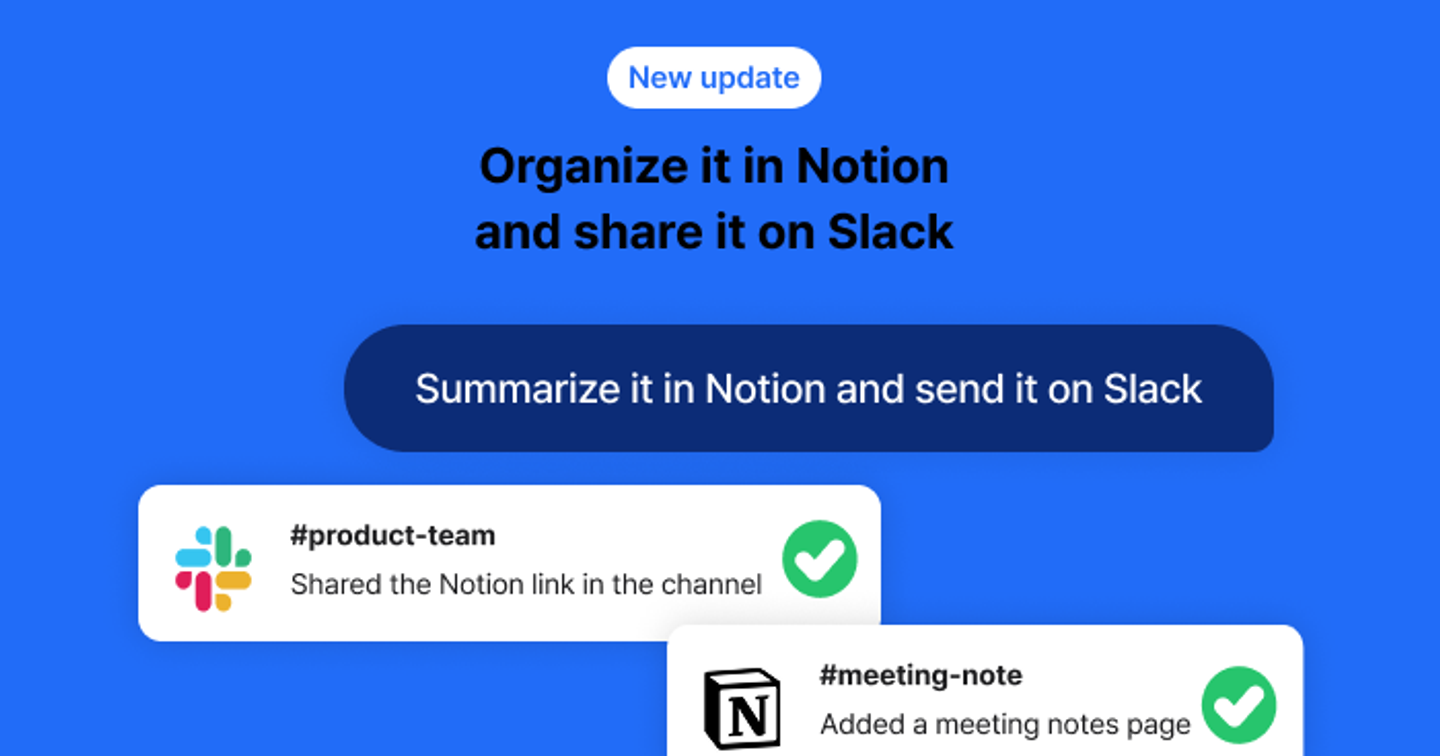
👉 How to Connect
Tap the [+] button on the BoardChat screen to connect Slack or Notion.
You can also manage your integrations at any time via the [Settings > Connections] menu.
👉 How to Use
Slack
"Send a meeting summary to the team leader via DM—keep it under three lines."
"Draft a message for Alice to send via DM, but don't send it yet."
"Schedule a meeting summary to be sent to the Planning Team channel tomorrow at 9 AM."
Notion
"Find the meeting minutes page from last week's weekly meeting in Notion."
"Summarize this meeting and create a new page for it in Notion."
"Add the action items from the meeting to the Notion task database, assigned to the respective owners."
Slack + Notion (Combined)
"Add the summary to the Notion meeting minutes page and share it in the Slack 'General' channel with a message suitable for a report."
Where talk becomes work.
Get started with 1,000 credits a month — no credit card required.