
Board Name Change Notice
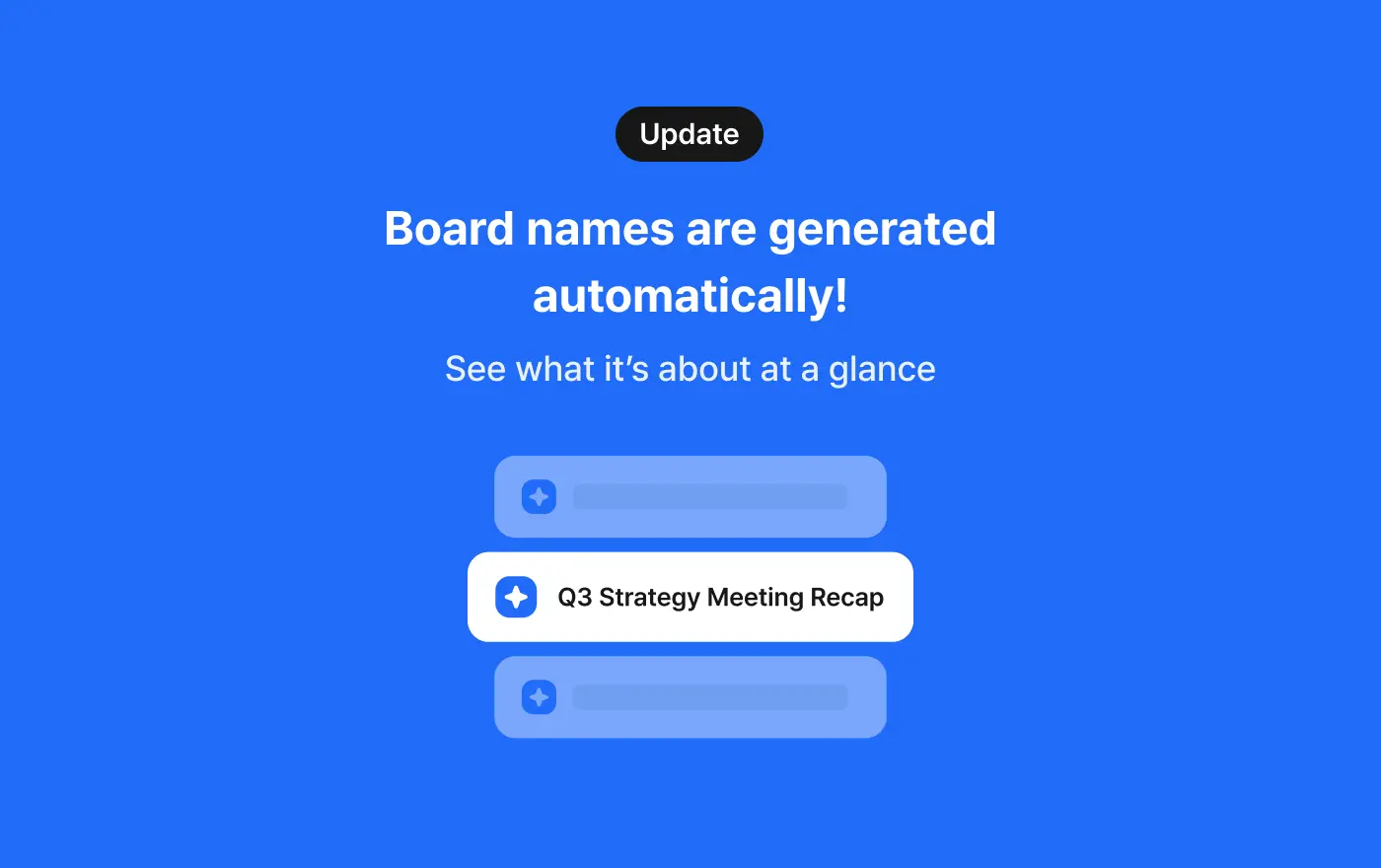
🏷️ Automatic Board Naming
Now, once your recording is transcribed, your board gets a name automatically.
👉 How it works
- Once transcription is done, AI creates a board name based on the content.
- While transcription is in progress, a temporary name is shown — once it's done, the new name replaces it.
- Recordings started from Timetable or Calendar show as [Class name] or [Event name] + the new name.
- You can see it right away in your board list, and rename it anytime.
📌 Notes
- YouTube, file uploads, and call recordings keep their original names (YouTube title, file name, etc.).
- If you rename a board yourself while recording, that name is kept instead of an automatic one.
- If transcription or naming fails, the board gets a date-based name (e.g., "2026-08-27 Record").
- This applies to new transcriptions going forward.
Where talk becomes work.
Get started with 1,000 credits a month — no credit card required.