
Updates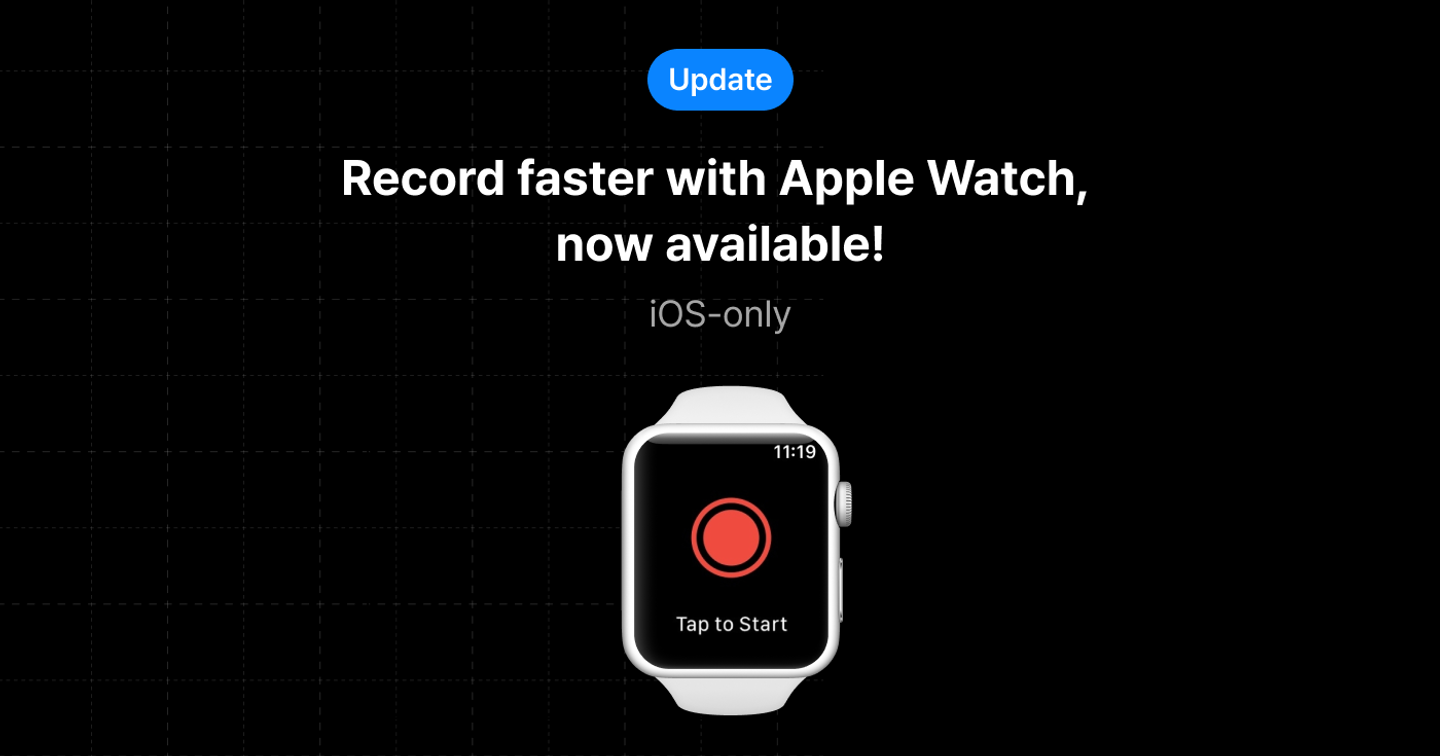
Now on Apple Watch: Record on the go
⌚ Apple Watch Recording Feature
You can now start recording directly from your Apple Watch.
👉 How to use
- Update the app on your smartphone, then launch the 'daglo' app on your Apple Watch.
- Open Daglo on your Apple Watch and tap the record button to start recording.
- When you stop recording, the recording file will be sent to your phone.
- The recording file is sent to Daglo on your phone, and transcription begins.
📌 Notes
- Recording is only possible while your watch and smartphone are paired.
- You must be logged in to Daglo on the smartphone app to use this feature.
- Unlike the smartphone app, a board is created only after the recording is finished.
- If the recording file hasn't uploaded from your phone, you can transcribe it manually by going to More > Data & Info > Watch Recording Files, and selecting the recording directly.
- If you don't see the recording in the Watch Recording Files menu, check again while the daglo app is active on your Apple Watch.
Where talk becomes work.
Get started with 1,000 credits a month — no credit card required.