
Caring for Aging Parents: Keep Every Hospital Call on Record

Have you ever scribbled down a call from your mom's doctor on a scrap of paper, passed it along to your siblings, and then gotten stuck when someone asked, "Wait, how many times a day is she supposed to take it?" Everyone remembers the call a little differently, and the family ends up double-checking the same instructions again and again.
Keeping a record of your parents' care calls means saving what you hear from the hospital, the pharmacy, or a care home as text, so everyone in the family works from the same information. daglo transcribes and stores your call recordings and pulls out the things you need to remember, like how to take medication, upcoming appointments, and costs, in a summary. Instead of relying on memory, you can share exactly what was said.
Why does everyone remember the hospital call differently?
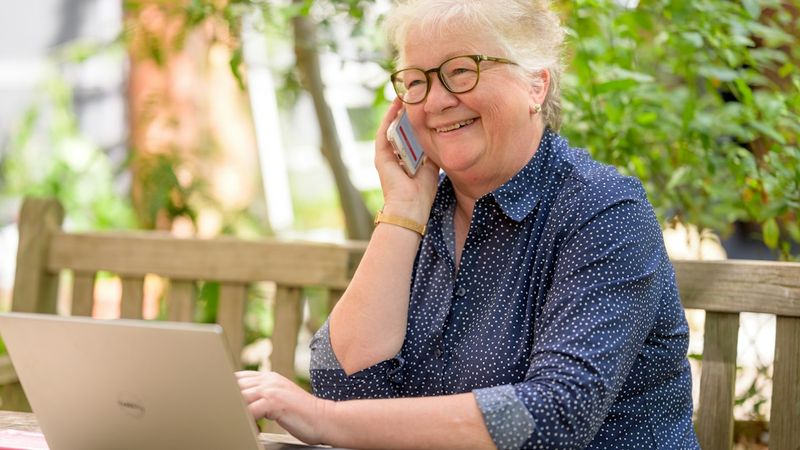
Calls about a parent's care usually come at the worst time, in the middle of work or on the way somewhere. You hear unfamiliar drug names and medical terms in a few quick minutes, so by the time the news reaches the rest of the family, important details have slipped or changed.
| Passing it on from memory | Keeping a record with daglo | |
|---|---|---|
| Medication instructions | "Was it before meals or after?" | Reread the exact instructions you were given |
| Tests and appointments | Dates and prep notes on separate scraps | See dates and prep steps in the summary |
| Costs and paperwork | Amounts and required forms get forgotten | Check the call record again anytime |
| Telling the family | The story changes with each retelling | Copy the same summary into the family chat |
Hospital and pharmacy calls: medication and test instructions, word for word

How to take medication after discharge, how long to fast before a test, the date of the next checkup: these are details you can't afford to miss. With the call on record, you can reread the instructions exactly as they were given whenever you need them.
- How to use it: add your parents' hospital and pharmacy numbers to Transcribe Selected Contacts Only, and only those calls are saved.
- Ask Board Chat: "From this call, list only how to take the medication and the date of the next appointment."
Use the record to double-check what you heard, and always confirm any decision about medication or treatment with the hospital or pharmacist.
Care home calls: keep track of costs and daily routines
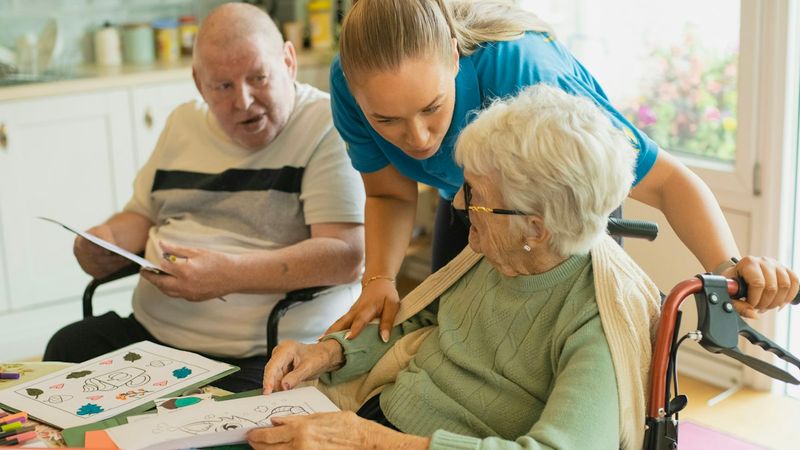
When you're looking into care homes or long-term care facilities, you end up calling several places to compare costs, visiting hours, and what to bring. With every call on record, you can lay out each facility's terms side by side and talk it through calmly as a family.
- How to use it: while you're comparing options, turn on Transcribe All Calls and set a folder like "Mom's care options" as the save location.
- Ask Board Chat: "Put the monthly cost, visiting hours, and move-in checklist from this call into a table."
After your parent moves in, keeping a record of the staff's calls about meals and how your parent is doing helps you plan what to ask at your next visit.
Sharing with siblings: paste the summary into the family chat
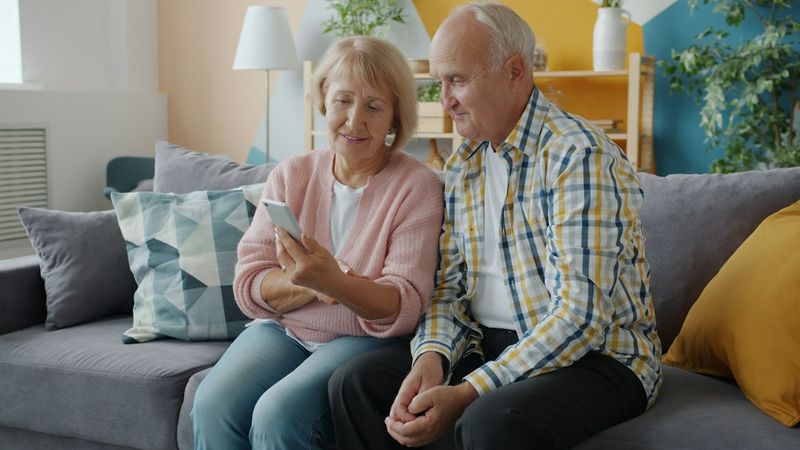
When a call ends, you get a summary along with the transcript automatically. Copy the summary into your family group chat, and everyone sees the same information, no matter who passes it along.
- "Turn this call into a short message for my siblings, with dates and things to bring listed separately."
- "Rewrite this in simple words so I can explain it to Dad over the phone."
Siblings who live far away can read the same record and help make decisions, so the weight doesn't fall on just one person.
How to set up call records for your parents' care
You only need to set it up once. After that, just record your calls, and transcripts and summaries build up in daglo. For a broader look at the feature, see our guide to call recording summaries.
- In the daglo app, go to More → App Settings → Features → Call Recording Transcription.
- Turn on Transcribe All Calls or Transcribe Selected Contacts Only, and allow the required permissions.
- Choose the space and folder where your records will be saved. If you chose Selected Contacts Only, add the numbers for the hospital, pharmacy, or care home.
- Turn on call recording in your phone app. When a call ends, a transcript and summary appear in the folder you chose.
Each person's lines are shown separately, so it's easy to see who said what. Set it up today, and from the next hospital call on, you can share exactly what you heard with your family.
Note: call recording transcription is currently available on Android only. It supports calls recorded with the Samsung Phone, A. (T Phone), and LG U+ ixiO apps.
#agingparents #familycaregiving #caregiver #hospitalcalls #medication #callsummary #eldercare #daglo
Where talk becomes work.
Get started with 1,000 credits a month — no credit card required.