
Phone Order Management: Keep Every Order Call on Record

Still scribbling quantities and dates on a sticky note while you serve customers and answer the phone at the same time? Get one number or one special request wrong and you're remaking the order or issuing a refund, and even your regulars start to lose trust.
Phone order management means capturing every detail of the orders and bookings you take by phone, then making sure each one is delivered exactly as promised. daglo transcribes and saves your order calls and highlights the key points, like items, quantities, dates, and special requests, in a summary. You don't have to write anything down during the call, because the record is there when you need it.
Why notes alone aren't enough for phone orders

A quick note only captures part of a call, and there's no way to check a missing detail or a misheard number later. When the call is saved as text, you can reread exactly what the customer said.
| Writing it on a note | Keeping a record with daglo | |
|---|---|---|
| During the call | Scribble while listening | Just focus on the customer |
| Checking the order | Messy handwriting and memory | Items, quantities, and dates in the summary |
| Special requests | Small details slip through | Saved word for word as the customer said them |
| When accounts differ | Hard to answer "That's not what I ordered" | Reread the call as it happened |
That record matters most on your busiest days, when calls come in back to back and there's no time to stop and write neatly.
For flower shops and cake orders: get pickup times and message cards right
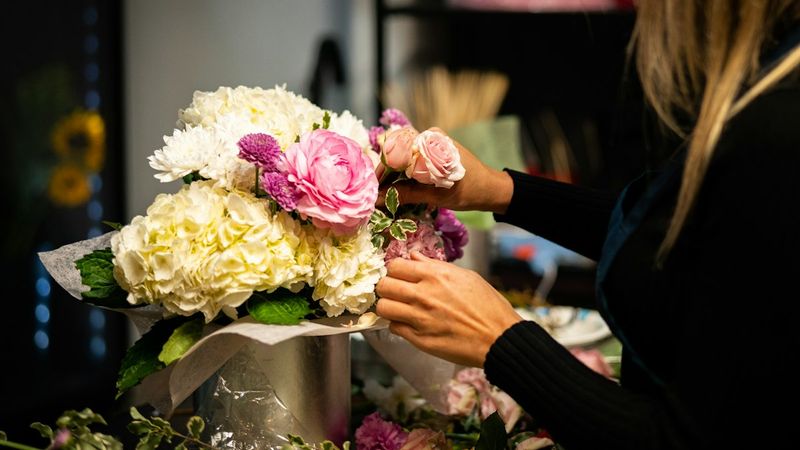
With bouquets and custom cakes, a wrong date, time, or message on the ribbon means starting over. With the order call on record, a quick look at the summary before you start shows exactly what the customer asked for.
- How to use it: orders can come from any number, so turn on Transcribe All Calls. Every recorded call is saved as text.
- Ask Board Chat: "From this call, list only the pickup date and time and the message for the card."
Not sure how to spell the name on the card? Check the transcript and read the customer's exact words again.
For catering and group orders: never miss headcounts, menus, or allergy requests
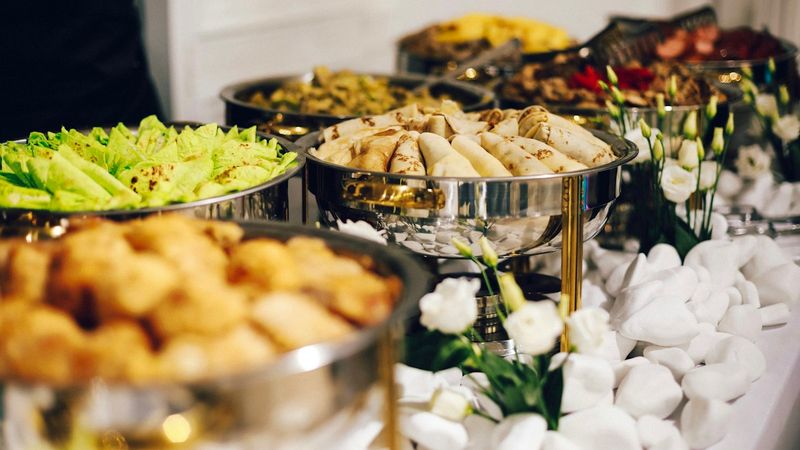
Group orders come with a lot to track: headcount, menu, delivery address, and time. Miss an allergy request and a small slip becomes a serious problem. With the call on record, you can check every condition again before you start cooking.
- How to use it: add the numbers of companies or organizations that order from you regularly to Transcribe Selected Contacts Only, so those group order calls are saved separately.
- Ask Board Chat: "Turn this call into an order sheet with headcount, menu, delivery address and time, and any allergies or special requests."
Text that order sheet to the customer for a quick confirmation, and you're far less likely to hear "This isn't what we asked for" on the day of the event.
For interior work and custom crafts: keep measurements and design requests exactly as said

Custom furniture, ceramics, and renovation jobs are different for every customer, and details like measurements, colors, and finishes often get discussed over the phone. With a record, you never have to call the customer mid-project to ask what they said.
- How to use it: set an "Order consultations" folder as the save location, so all your consultation calls sit in one place next to your work schedule.
- Ask Board Chat: "List only the measurements, colors, finish requests, and the date the customer wants it done."
Requests that change along the way are on record too, so you and your customer can talk about extra costs or schedule changes from the same starting point.
How to set up order call records
You only need to set it up once. After that, just record your order calls, and transcripts and summaries pile up neatly in the folder you chose.
- In the daglo app, go to More → App Settings → Features → Call Recording Transcription.
- Turn on Transcribe All Calls or Transcribe Selected Contacts Only, and allow the required permissions.
- Choose the space and folder where your records will be saved.
- Turn on call recording in your phone app. When a call ends, a transcript and summary are created.
Your lines and the customer's are shown separately, and calls with customers who speak English are transcribed as they are. For more ways to use call summaries, see Call Recording Summaries: Keep Important Calls on Record. Set it up today, and starting with tomorrow's order calls, you'll have a record instead of a scribbled note.
Note: call recording transcription is currently available on Android only. It supports calls recorded with the Samsung Phone, A. (T Phone), and LG U+ ixiO apps.
#phoneorders #smallbusiness #callrecording #callsummary #florist #catering #BoardChat #daglo
Where talk becomes work.
Get started with 1,000 credits a month — no credit card required.