Residents' Council Minutes: Record Who Said What, by Name
Taking minutes for a residents' council, association, or parent committee? daglo Speaker ID remembers members' voices and adds their names to your meeting notes automatically.
Turn conversations into your next move.

Taking minutes for a residents' council, association, or parent committee? daglo Speaker ID remembers members' voices and adds their names to your meeting notes automatically.


Still replaying client meetings to figure out who asked for what? daglo Speaker ID remembers your regular client contacts and adds their names to your meeting notes automatically.
After back-to-back phone screens, candidates' answers start to blur. Here are ready-to-use phone interview questions, a scorecard, and a way to compare every candidate fairly using call transcripts.

If you've ever written down the wrong quantity, date, or special request while juggling phone orders, keep your order calls on record with daglo and check the key details in a summary.

If "Could you also do this?" keeps showing up on client calls, learn how to log those requests from your call records and use them for recap emails and extra quotes.

If the prices and dates you hear from buyers, sellers, landlords, and tenants live only in your memory, let daglo save your calls and summarize each client's terms. Here's how agents can use it.

If you spend your evenings turning dozens of client calls into notes, let daglo save each call and summarize the key points, then organize interests and follow-up dates by client.

For managers and team members with regular one-on-ones: record with consent, transcribe and summarize with daglo, and use Board Chat to connect concerns, feedback, and goals across meetings.

A practical guide for product managers: record sprint meetings, transcribe and summarize them, and turn decisions and action items into shareable notes with daglo.

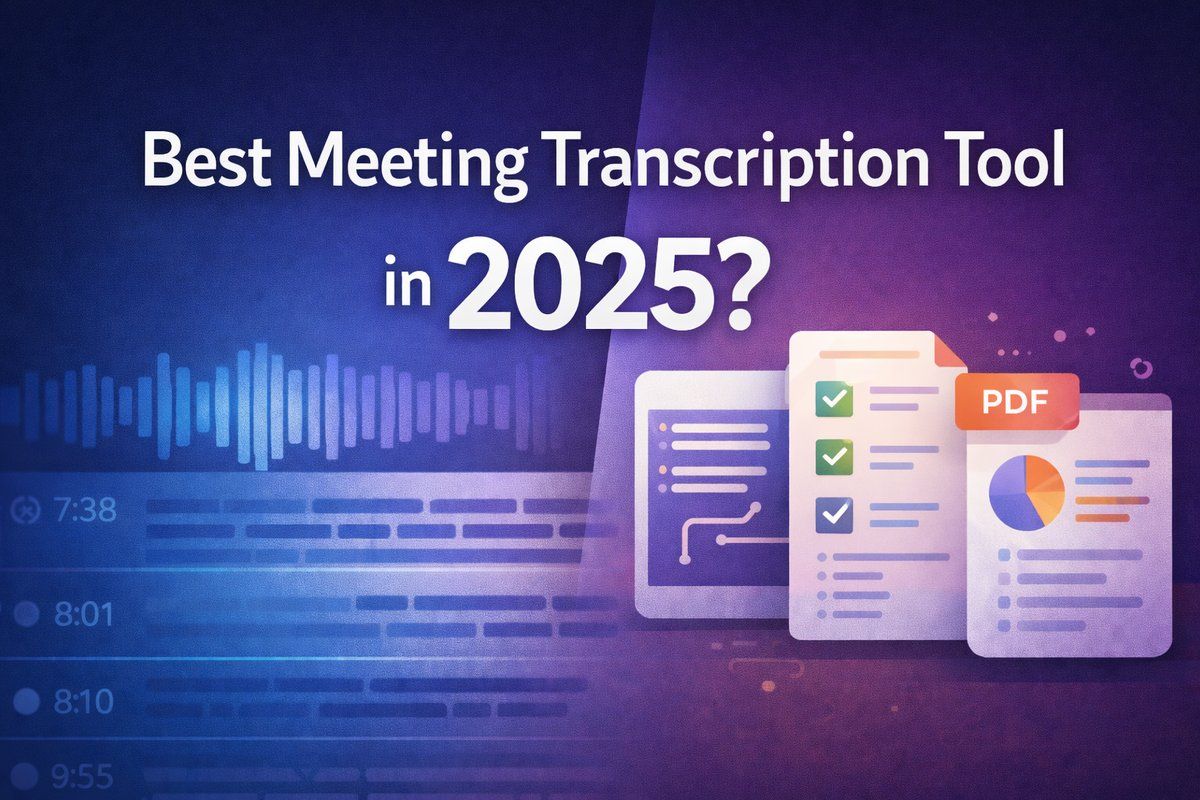
Best meeting transcription tool in 2025? Compare Otter, Daglo, Notta, and Fireflies with a clear breakdown of pricing, minutes limits, summaries, and workflow features—plus quick recommendations to pick the best value for your team.