
OpenAI DevDay Seoul 2026 Recap: 6 Ways ChatGPT Is Becoming an AI That Works
How many times a day do you ask ChatGPT something, copy the answer, and paste it into another app to actually get the work done? When AI only answers and people still carry the results around, every new AI tool adds another manual step.
OpenAI DevDay is OpenAI's annual developer event, where the company announces new models, tools, and platform features. The main DevDay 2026 event took place in San Francisco on September 29, and a follow-up event in Seoul was held on October 22. The message in Seoul was clear: AI is moving from a tool that answers questions to an agent that understands context and keeps doing real work across other systems. The daglo team attended the Seoul event, and this recap combines what we heard with OpenAI's official docs.
OpenAI DevDay Seoul 2026 at a glance
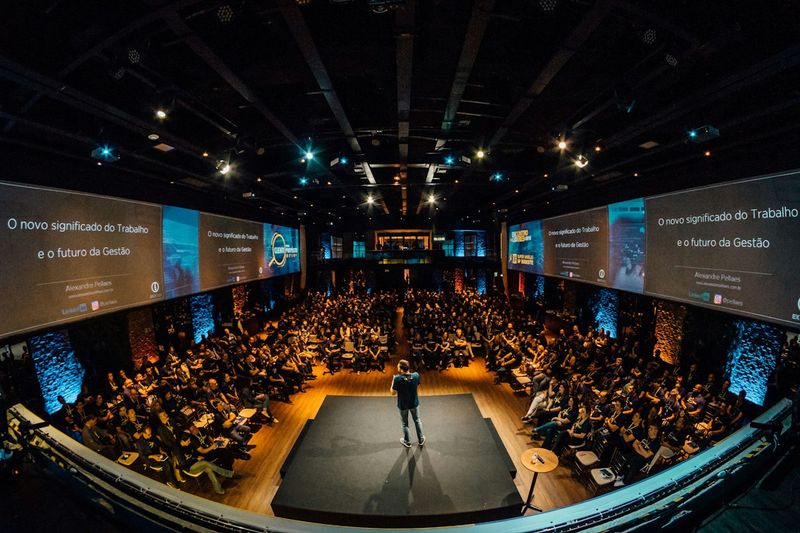
The Seoul event organized the announcements around three themes: new interfaces such as voice, agents that carry work forward over time, and a platform where plugins and web apps reach users. Together they add up to six shifts in how ChatGPT works.
| Shift | Before | After |
|---|---|---|
| 1. How you work with AI | Typing in a chat box | Talking while the AI handles tasks in the background |
| 2. Unit of work | One request, one answer | Ongoing work that continues over time |
| 3. What the AI remembers | Chat history | Goals, decisions, and progress |
| 4. How tools connect | Separate API integrations | A shared plugin ecosystem |
| 5. Building web apps | A job for developers | Something you describe in a chat |
| 6. Who pays for AI | The app maker | The user's own ChatGPT plan |
For the full list of announcements from the main event, see OpenAI's official DevDay 2026 recap.
Shift 1: From typing to talking and delegating
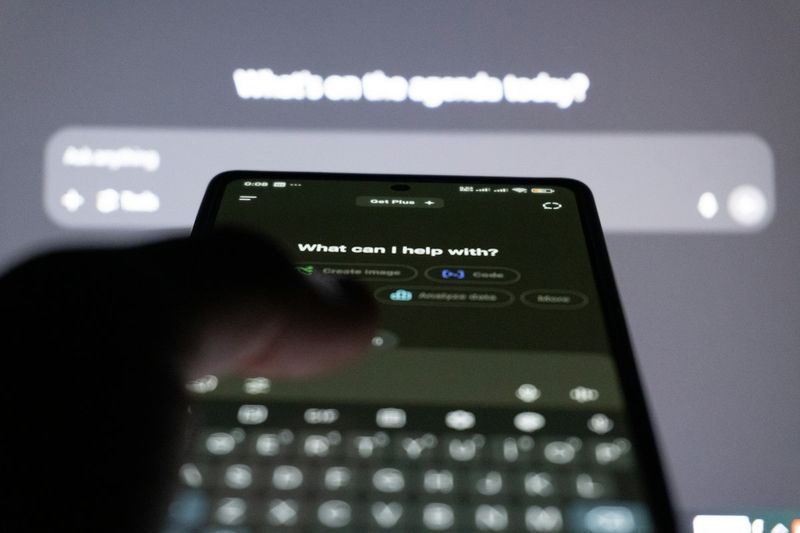
The first shift is that you can keep talking to AI while it searches the web, runs tools, or creates images in the background. You hand off work without breaking the conversation.
On stage in Seoul, OpenAI demoed GPT-Live playing a drawing guessing game, running web searches, controlling slides, and switching between languages mid-conversation. OpenAI also covered the Decisions API, which picks one option from a set of choices you define. OpenAI's developer docs describe it as returning answers about 10x faster than the Responses API.
We break down how a voice agent splits talking from working in How Voice AI Agents Talk and Get Work Done at the Same Time.
Shifts 2 and 3: From single requests to work that remembers its goal
The second and third shifts go together: AI no longer stops after one answer. It keeps track of the goal, the decisions made so far, and where the work stands, and picks the task back up when a goal is still open.
- Dots: always-on agents that keep working between conversations and check in with you only when needed. Read more in our guide to ChatGPT Dots.
- ChatGPT Space: presented in Seoul as a shared workspace where people and agents work on the same documents, files, and pages.
- Staying on track: the talks covered goal persistence, along with compaction for long conversations and the agent harness that surrounds a model.
- Multi-agent systems: the advice from the stage was to start with one agent, a clear goal, and a way to check its output before adding more agents that share a work log. We explain why in our multi-agent guide.
For developers, OpenAI's Agents API gives apps access to a managed Codex harness, with resumable sessions for long-running work.
Shifts 4 and 5: A plugin ecosystem and web apps built by chatting
The fourth and fifth shifts turn ChatGPT into a platform that hosts other services. Outside capabilities are packaged as plugins, and simple web apps can be built just by describing them.
- Plugins: a plugin bundles skills (instructions and resources), MCP servers (tools), or both, and ChatGPT and Codex share one plugin directory. In Seoul, OpenAI also showed ChatGPT recommending plugins that fit what you ask for. See ChatGPT plugins vs. MCP and skills.
- ChatGPT Sites: lets you build, host, and share websites and lightweight web apps from a chat, and it is currently in public beta. The Seoul demo turned a spreadsheet into an internal launch tracker app. See how to build an internal web app with ChatGPT Sites.
Shift 6: Using your own ChatGPT plan inside other apps
The sixth shift changes who pays for AI. With Sign in with ChatGPT, you log in to another app with your ChatGPT account and, when eligible, power that app's AI features with your own ChatGPT plan.
App makers don't need to set up API billing for those users, and access is starting with selected partners and projects. We cover the details in what Sign in with ChatGPT means. The Seoul event also briefly featured customer stories from Autodesk, Amgen, Box, and Smartsheet.
Put the six shifts together and the picture is clear: OpenAI is expanding from a model provider into a platform that covers the interface where work happens, the agents that do it, and the distribution of outside services.
The context agents need starts in your meetings

An agent can only keep working if it knows what was decided and why. In most teams, that starts with the decisions and to-dos that come out of meetings.
daglo transcribes and summarizes your meetings, keeping the full transcript and the summary together. Ask Board Chat something like "List only the action items we agreed on in this meeting," and it answers from the record, giving you clean context to hand to ChatGPT or an agent. Speaker ID remembers the voices of the people in your meetings and fills in their real names instead of "Speaker 1" from the next recording on, so you can see who decided what at a glance. daglo is the first service in Korea to offer this to all users. Learn more about Speaker ID
#OpenAIDevDay #DevDay2026 #ChatGPT #AIAgents #ChatGPTDots #ChatGPTPlugins #ChatGPTSites #SpeakerID #daglo
Where talk becomes work.
Get started with 1,000 credits a month — no credit card required.