
About Daglo
Sign up first to use all of Daglo’s features.
Signing Up on a PC
Go to the official Daglo website.

Click [Get Started] in the upper-right corner.
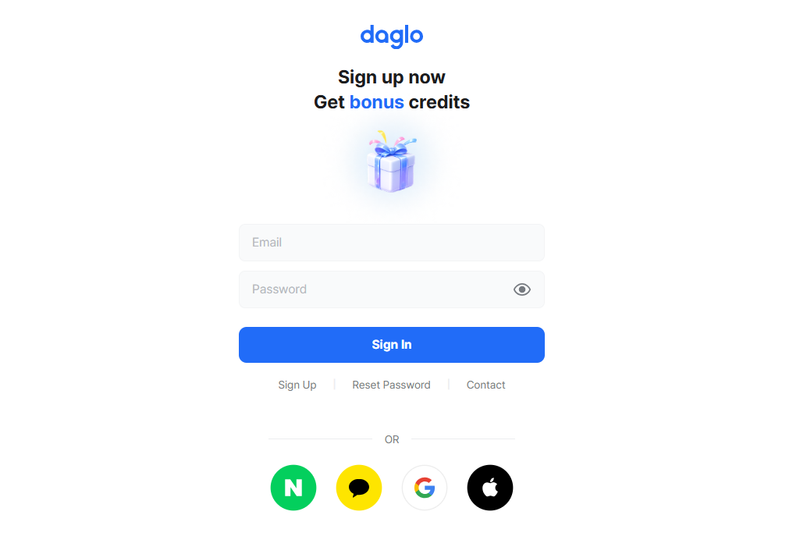
Click [Sign Up] to register with an email address, or sign in using an SNS account through the buttons at the bottom.
Enter the required information and agree to the terms to complete your registration.
Signing Up on the Mobile App
Search for “Daglo” in Google Play or the App Store and install the app.
Open the app and follow the on-screen instructions to sign up with an email address or social account.
Logging In and Changing Your Password
You can log in with the email address or SNS account used when signing up.
If you have forgotten your email account password, reset it through [Forgot Password] on the login screen.
After logging in, you can change your password from [More] in the lower-right corner > your account name at the top > [Security].